Black Friday
40% off all yearly plansstarts inis live now
00d
00h
00m
00s
Email infrastructure

Cold email that lands in the inbox.

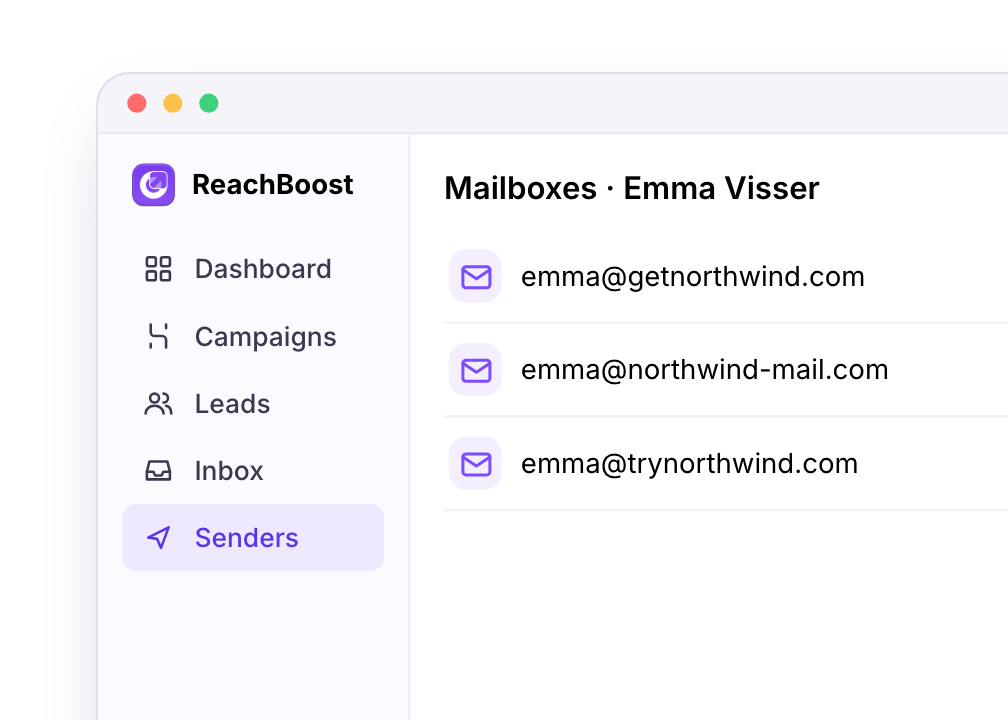
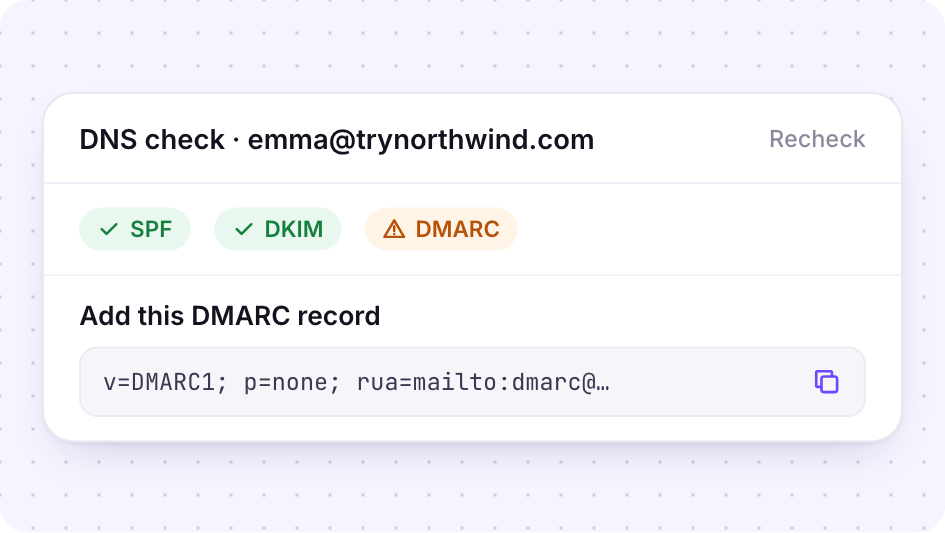
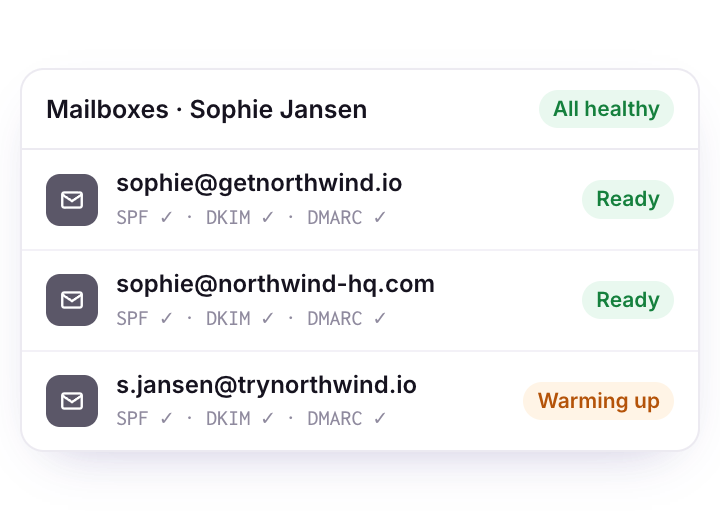
Connect as many mailboxes as you need to each sender. ReachBoost checks your DNS every night, stops on bounces and recognises out-of-office replies, so your domains stay healthy.

Trusted by 1,500+ companies

Mailbox health

Caleb Hinton

Founder @ Finnus
"ReachBoost is by far the best outbound automation tool I’ve used. I’ve tried plenty of others, but they were either too expensive, too complicated, or ended up getting my account banned. ReachBoost has been smooth, reliable, and affordable from day one."
How it works

Every sender, its own mailboxes.

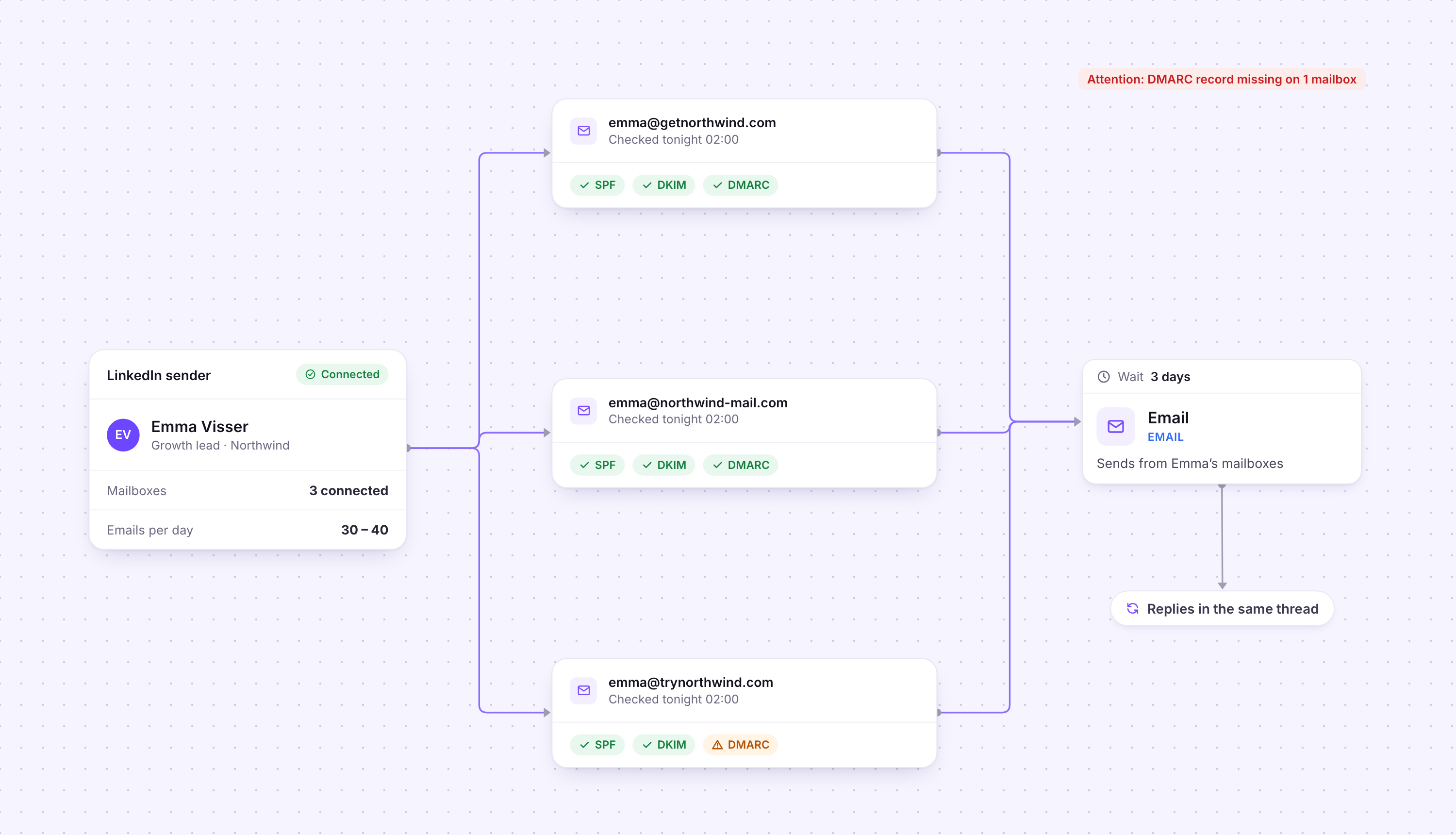
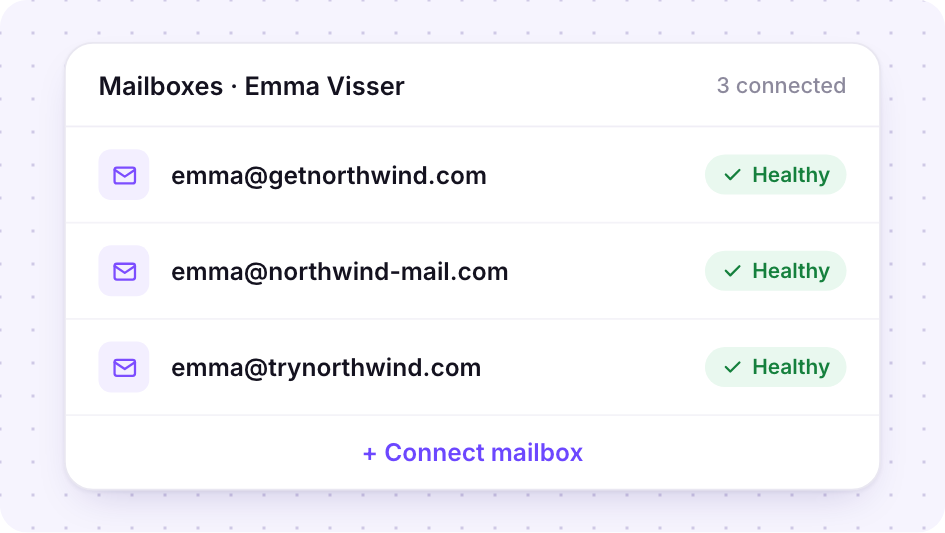
Each LinkedIn sender gets its own connected mailboxes. Email steps in a sequence send from them, so a lead hears from the same person on both channels.

A LinkedIn sender with three connected mailboxes, each passing SPF, DKIM and DMARC checks, sending into an email step
Trusted by 1500+ companies

What our customers say:

In a short time, ReachBoost helped me book two meetings and land my first client. It’s simple to use, saves me time on outbound, and the proactive support helps me get the most out of every campaign.

Within a short time we were booking 5x more meetings compared to what we managed before. The campaigns run smoothly, the delivery is consistent, and the platform does all the heavy lifting for us.

With the help of ReachBoost, I’ve made many valuable new connections within just a few weeks, and in the first two months I scheduled 7 meetings with decision makers at the right level. The ReachBoost team guided me fully in setting up the campaign and provided support whenever needed. I’m a fan, and I’m sure I’ll benefit from this for many years to come!

ReachBoost fits perfectly into our workflow. The integrations save us a lot of manual work, which makes scaling outbound much easier.

Working with the RB team is a fantastic experience. Communication is smooth and clear from the start; moreover, they are always available whenever we need support. What we particularly appreciate is that their support goes far beyond mere technical assistance. We also receive strategic advice that helps us get the most out of the tool. A truly reliable team that understands its customers' needs.

ReachBoost gave us the visibility and control we were missing. Managing outbound across 10+ accounts is now centralized, streamlined, and far easier to scale.

ReachBoost is by far the best outbound automation tool I’ve used. I’ve tried plenty of others, but they were either too expensive, too complicated, or ended up getting my account banned. ReachBoost has been smooth, reliable, and affordable from day one. I honestly wouldn’t want to do outbound without it anymore. Highly recommended.

The dashboard is clean and easy to set up, with seamless integration with LinkedIn accounts. I have already had 15 new scheduled meetings in my calendar during my first three weeks of working with Reachboost, would highly recommend.

Our experience with ReachBoost has been very positive from day one. In the very first week, we already closed a deal, which prompted us to roll out ReachBoost to the rest of the sales team. The support is excellent: fast, proactive, and genuinely collaborative. ReachBoost has now become a valuable part of our commercial process.

Everything you need to know

  • How many mailboxes can I connect?

    As many as you need. Every LinkedIn sender can have multiple connected mailboxes, and email steps send from them.

  • Which DNS records does ReachBoost check?

    SPF, DKIM and DMARC. Each mailbox is checked when you connect it and again every night, and you can recheck on demand.

  • What happens when an email bounces?

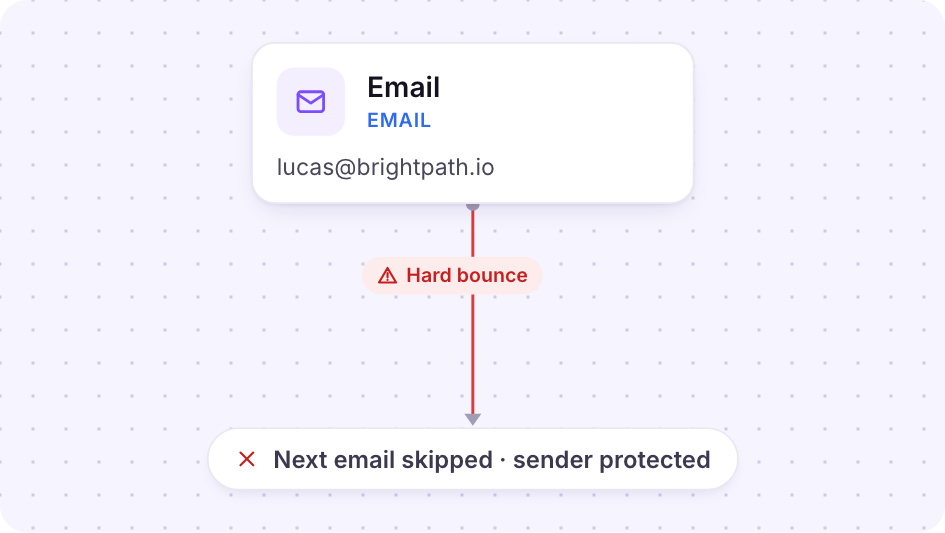
    The address is marked as bounced. LinkedIn steps keep running, and the next email step skips the lead without sending, which protects your mailbox reputation.

  • Do out-of-office replies stop my sequence?

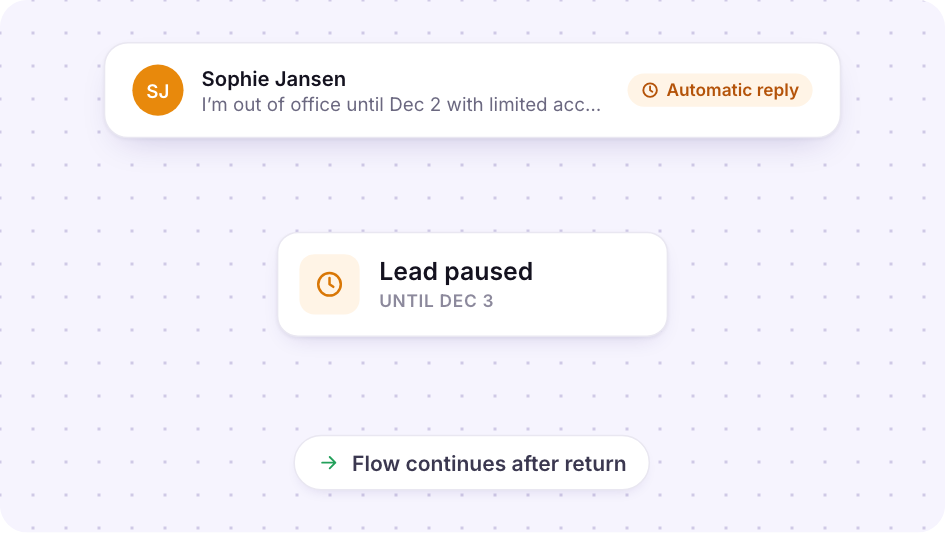
    No. AI recognises automatic replies. With a usable return date the lead pauses until the day after, then the flow continues.

  • Can I combine email with LinkedIn?

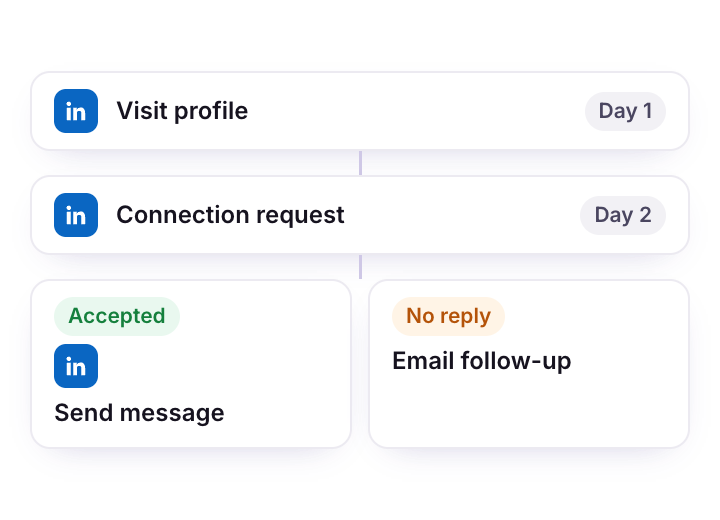
    Yes. Email steps live in the same flow as your LinkedIn steps, so you can, for example, email leads who don’t accept your connection request.

  • Where do I set email sending limits?

    Email limits are set per sender in the sender drawer, next to the profile visit, follow and like limits.

More replies.
‍Fewer spam folders.

Menu sluiten
Pricing
Product
Multichannel sequences preview
Multichannel sequences
Build one flow for LinkedIn and email
Explore →
Email infrastructure preview
Email infrastructure
Mailboxes per sender, checked every night
Explore →
LinkedIn safety preview
LinkedIn safety
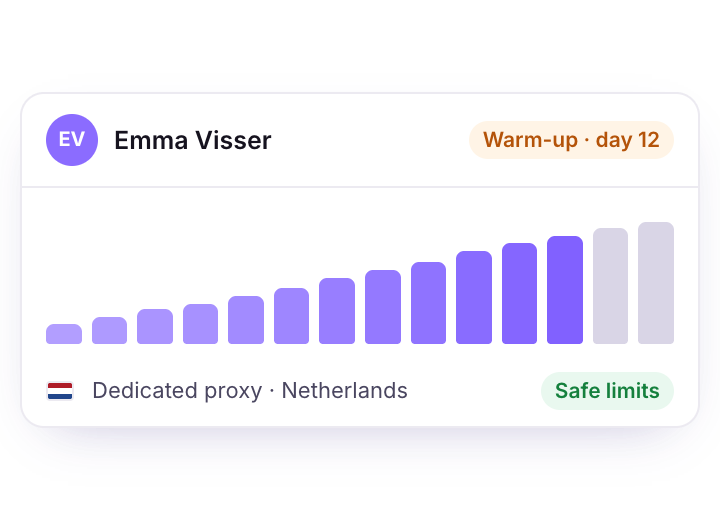
Warm-up, proxies and limits on autopilot
Explore →
Unified inbox preview
Unified inbox
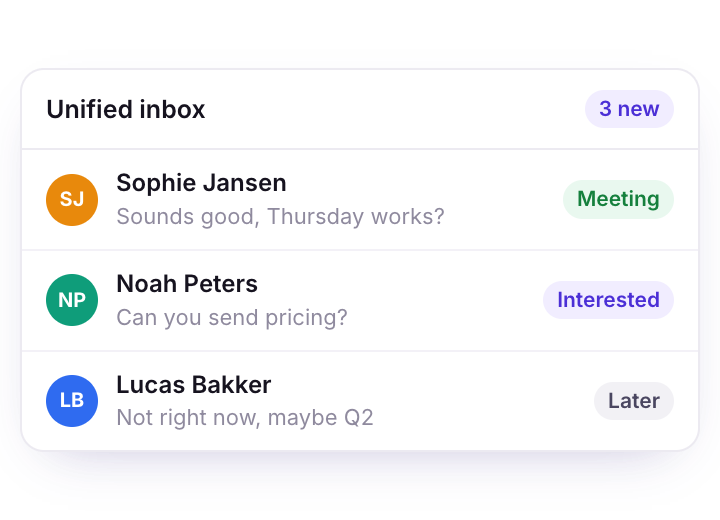
Every reply from every sender, sorted
Explore →
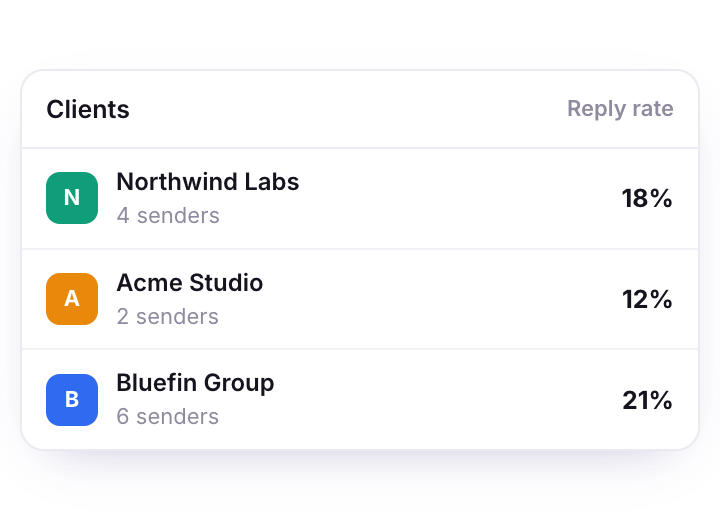
Agency portal preview
Agency portal
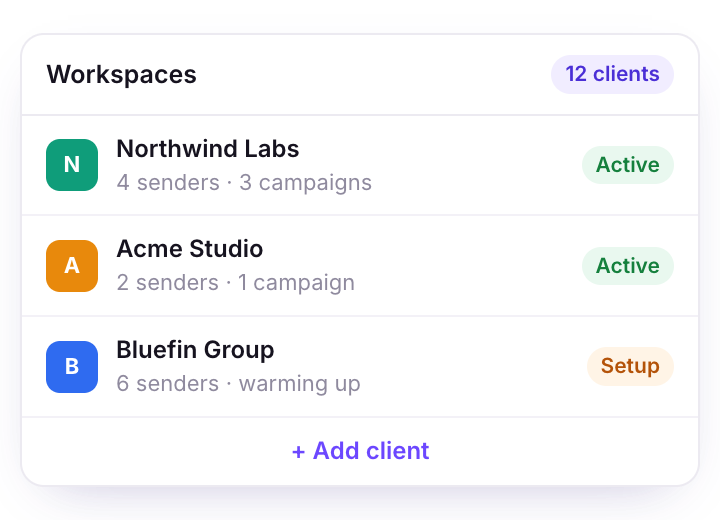
Switch between clients in one click
Explore →
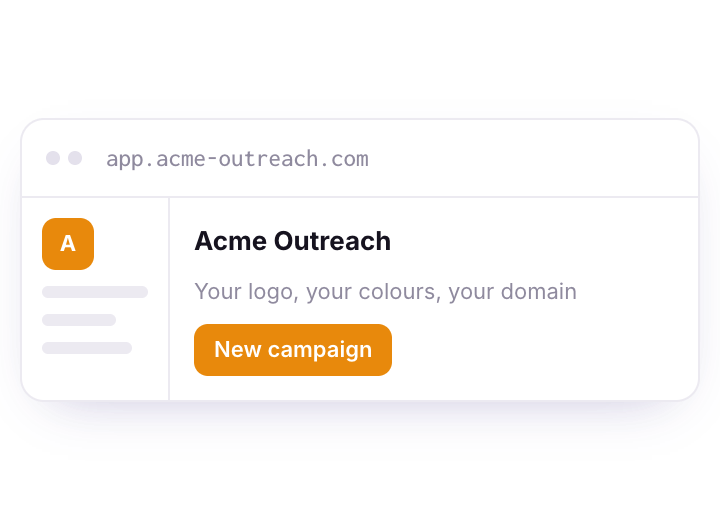
White-label preview
White-label
Give clients the app under your own brand
Explore →
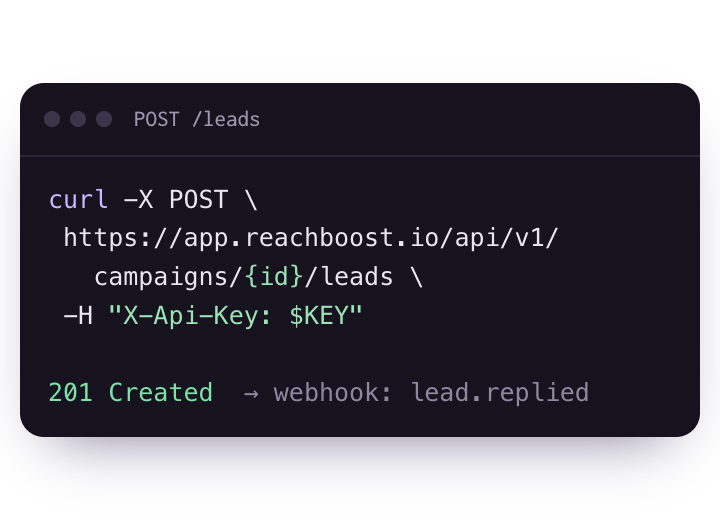
API & Webhooks preview
API & Webhooks
Push leads in, stream events out
Explore →
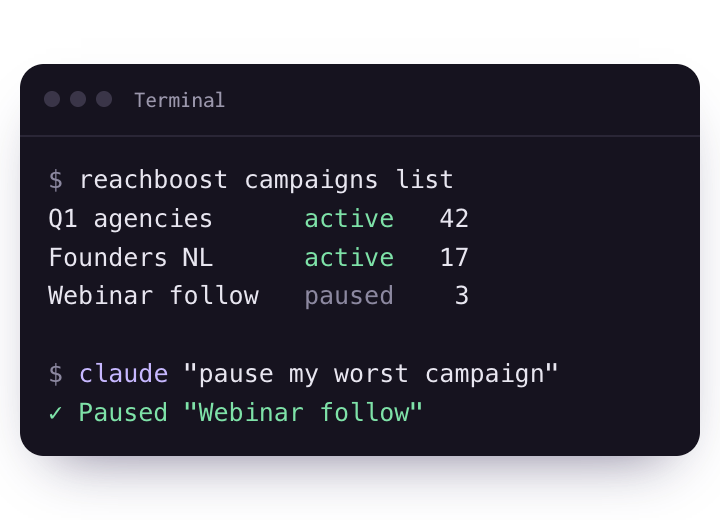
MCP & CLI preview
MCP & CLI
Run campaigns from Claude or your terminal
Explore →
Integrations preview
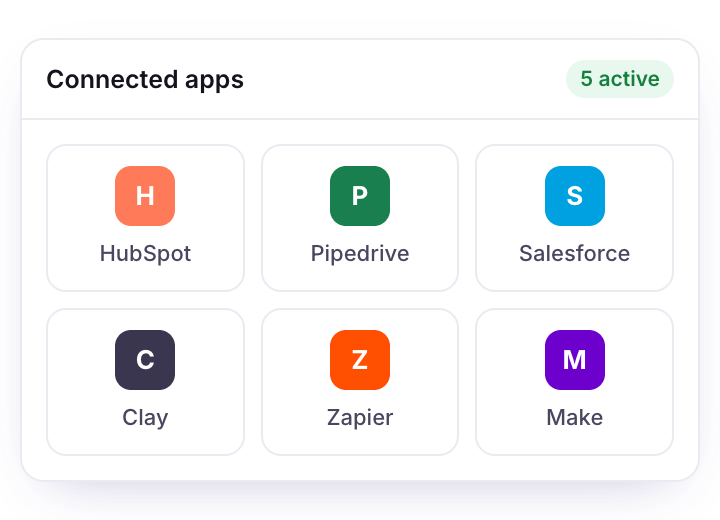
Integrations
Sync with the tools you already use
Explore →
Use cases
Resources
Blog preview
Blog
Guides from teams that run outbound daily
Explore →
Outreach templates preview
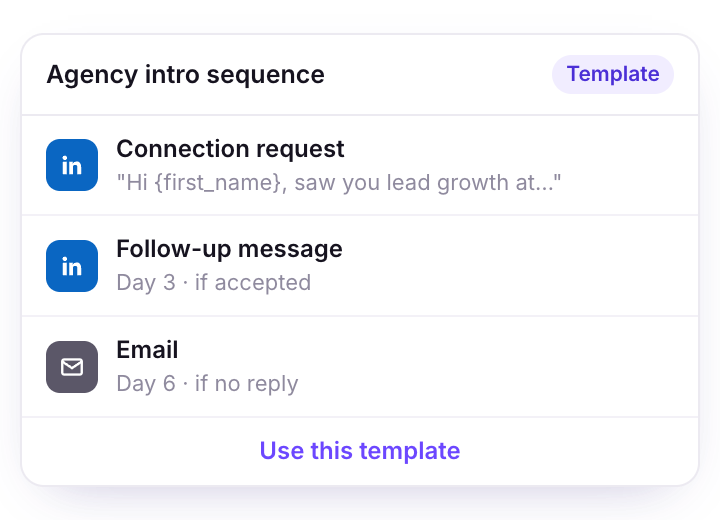
Outreach templates
Proven sequences, ready to use
Explore →
Comparisons preview
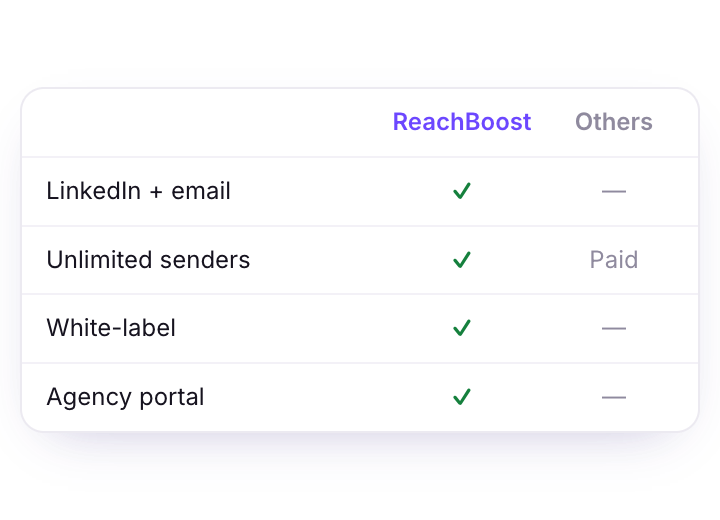
Comparisons
See how ReachBoost stacks up
Explore →
LinkedIn profile finder preview
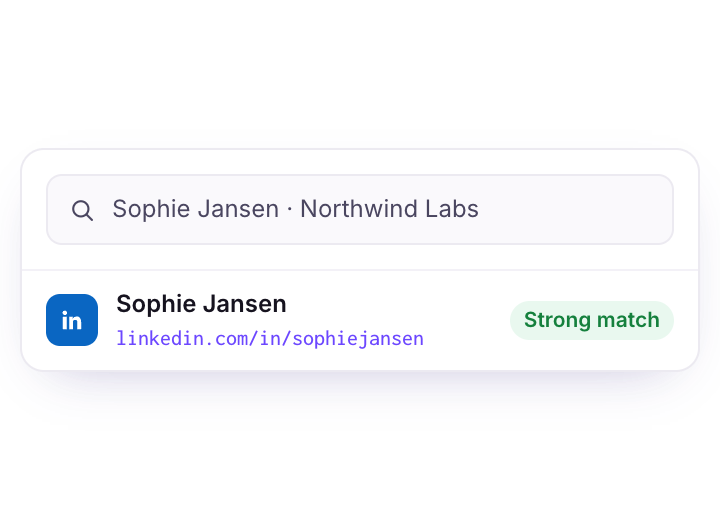
LinkedIn profile finder
Name and company in, profile URL out
Explore →
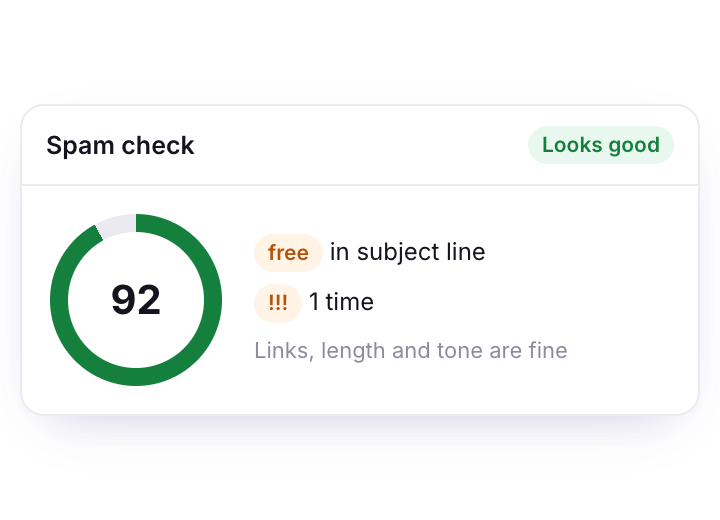
Email spam checker preview
Email spam checker
Catch spam triggers before you send
Explore →
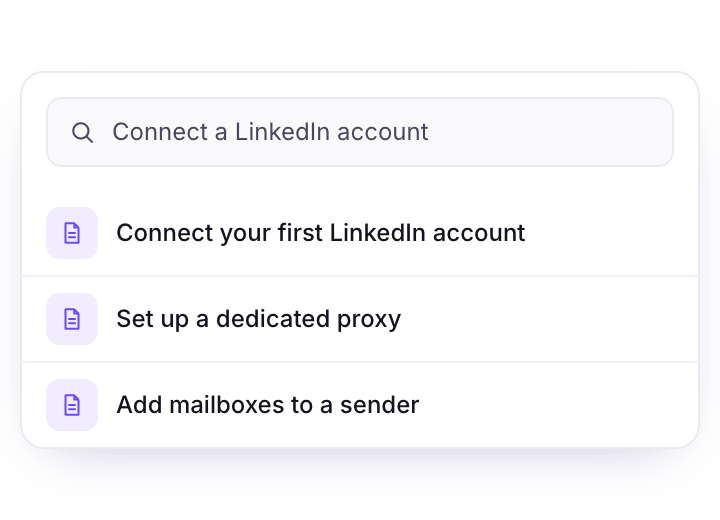
Help center preview
Help center
Answers for every feature
Explore →
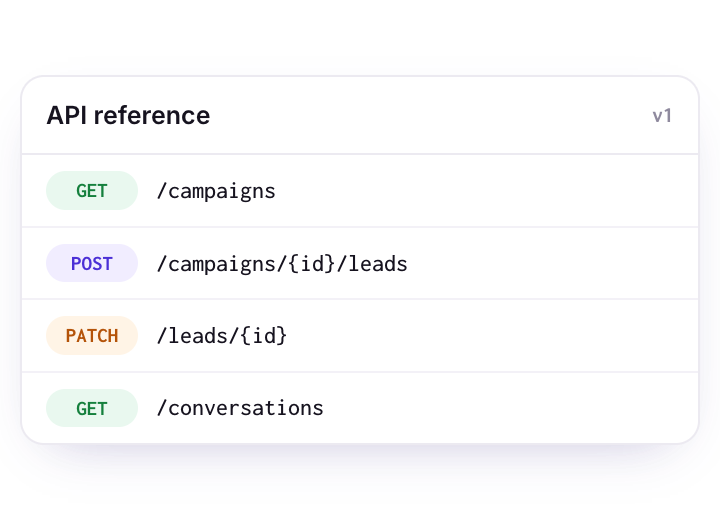
API docs preview
API docs
Full reference for developers
Explore →
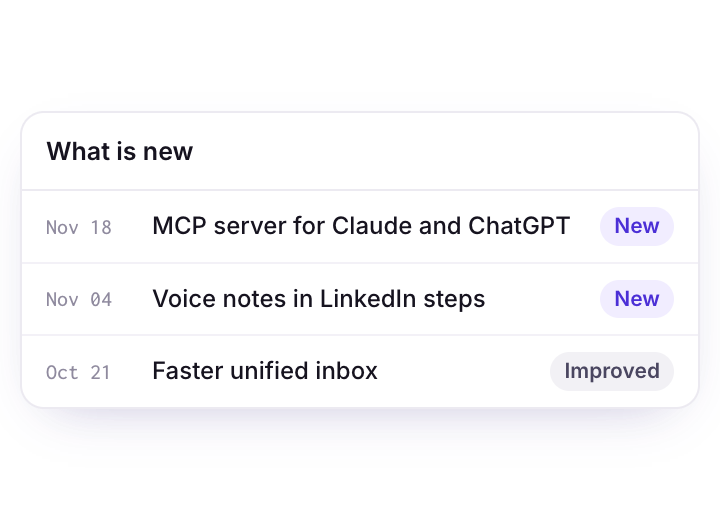
Changelog preview
Changelog
Everything we shipped lately
Explore →
Company
About preview
About
The team behind ReachBoost
Explore →
Careers preview
Careers
Help us build outbound software
Explore →
Find an agency preview
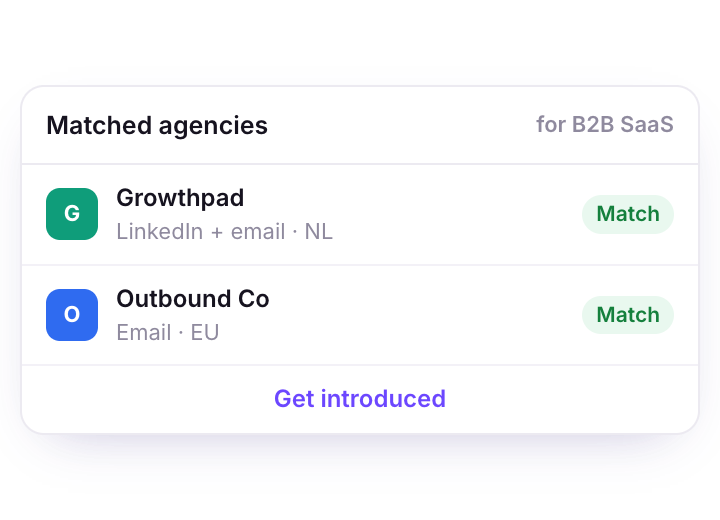
Find an agency
We match you with a partner agency
Explore →
Affiliate program preview
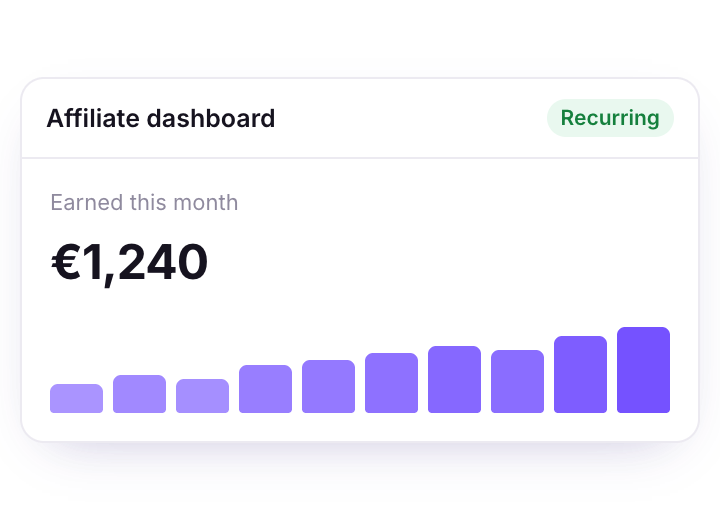
Affiliate program
Earn recurring commission
Explore →
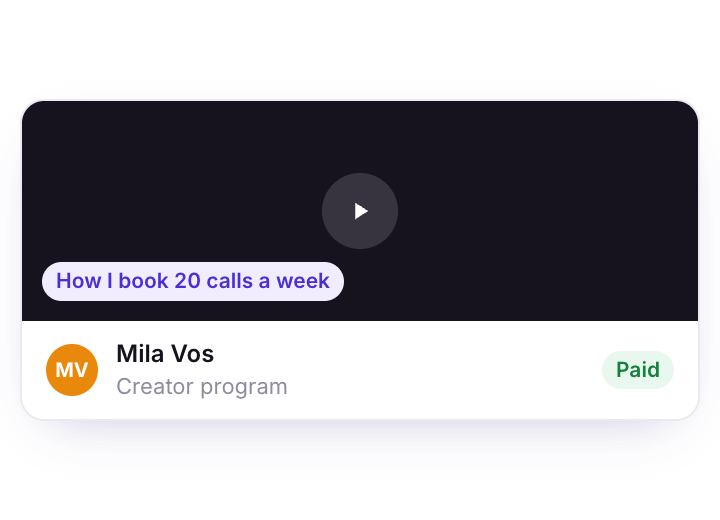
Creator program preview
Creator program
Get paid to create outbound content
Explore →
Agency partners preview
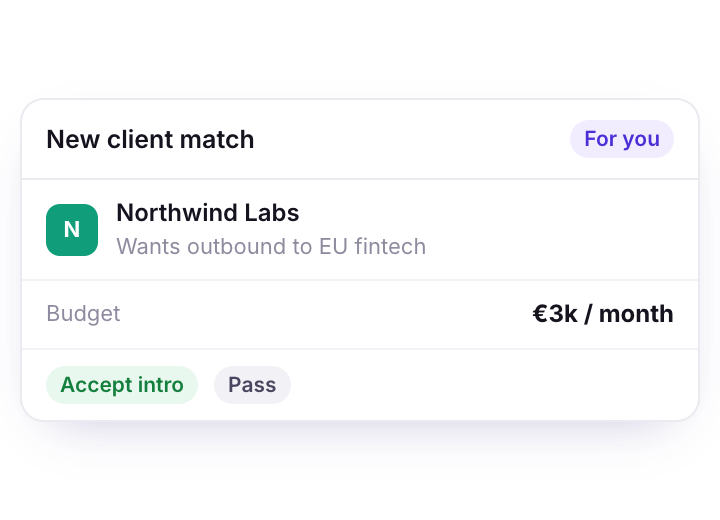
Become a partner
We send you clients who need outbound
Explore →