Product

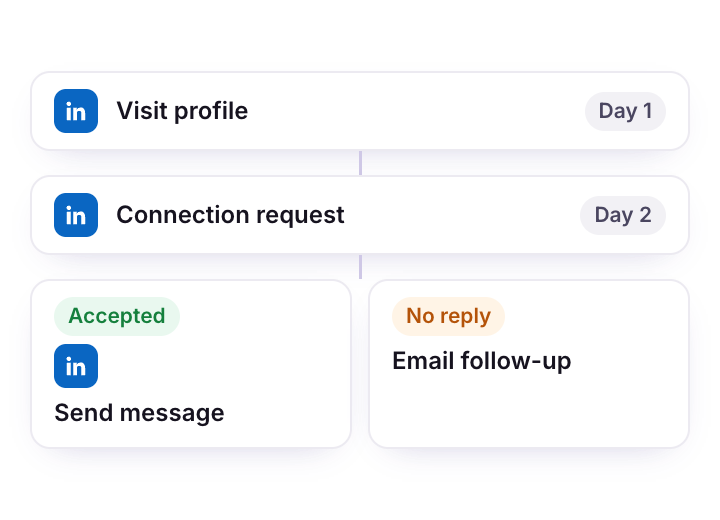
Multichannel sequences
Build one flow for LinkedIn and email
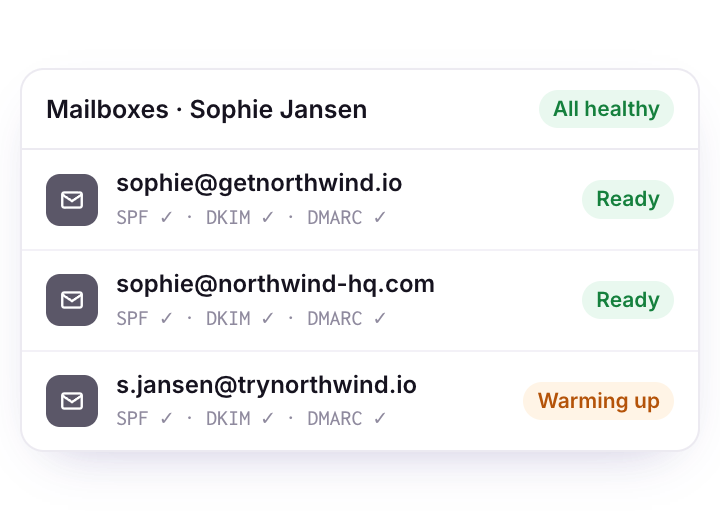
Email infrastructure
Mailboxes per sender, checked every night
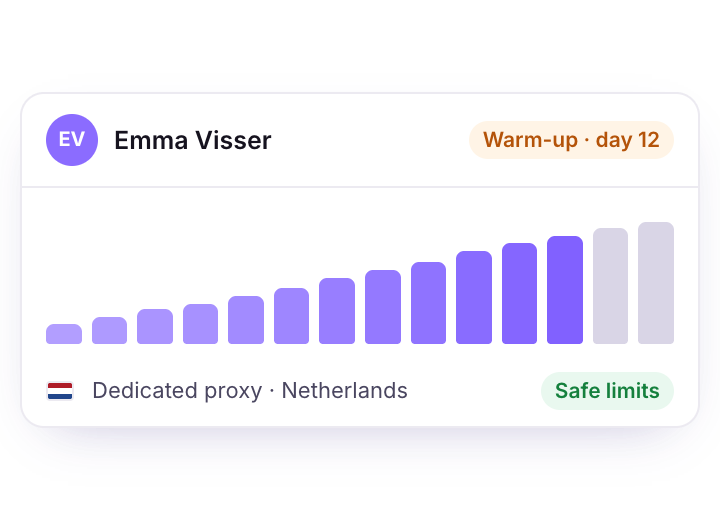
LinkedIn safety
Warm-up, proxies and limits on autopilot
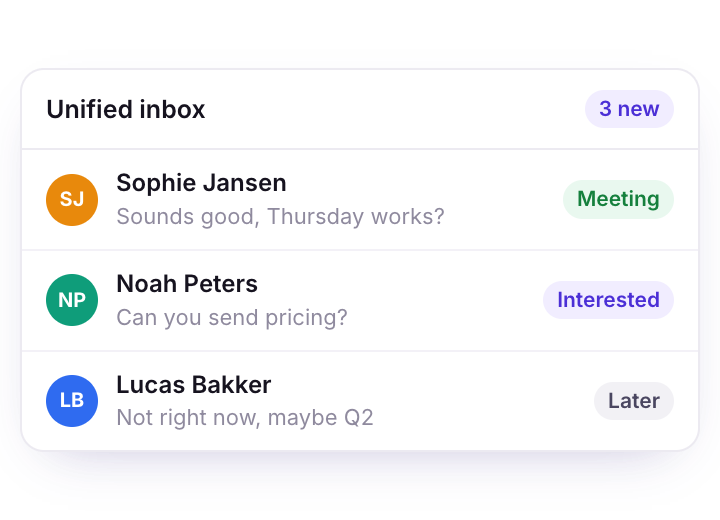
Unified inbox
Every reply from every sender, sorted
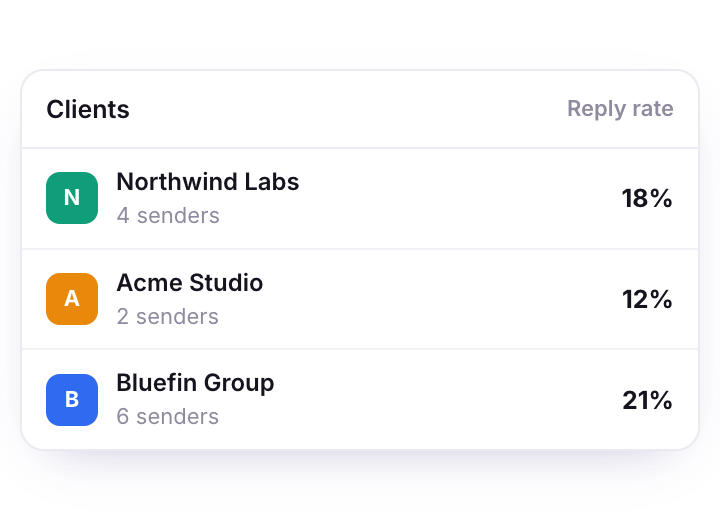
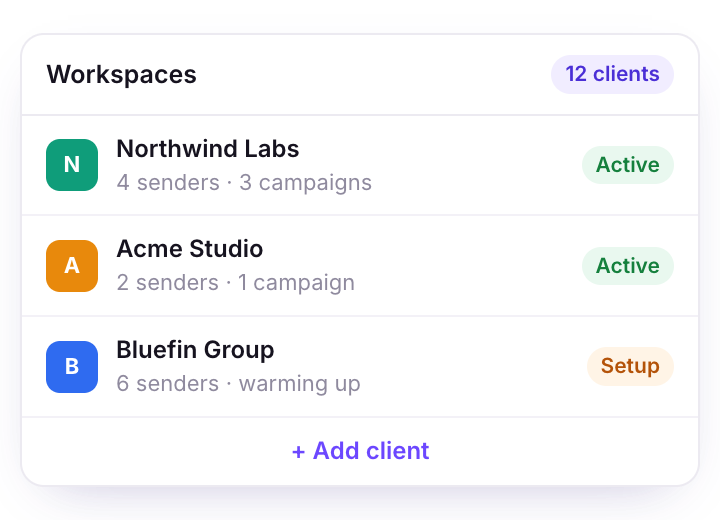
Agency portal
Switch between clients in one click
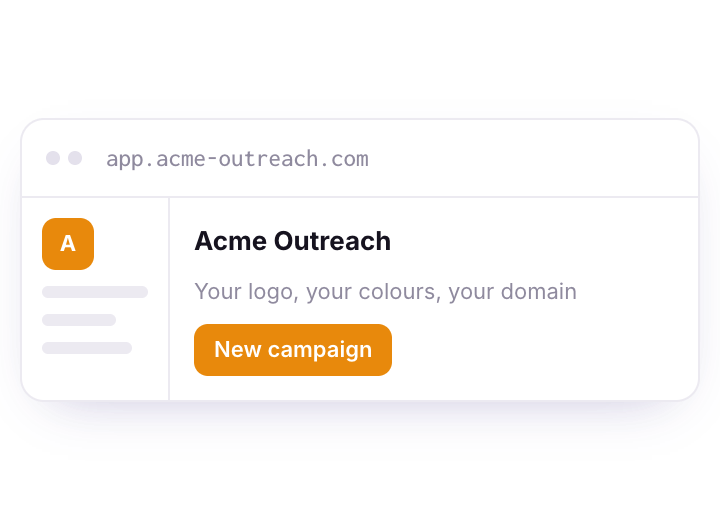
White-label
Give clients the app under your own brand
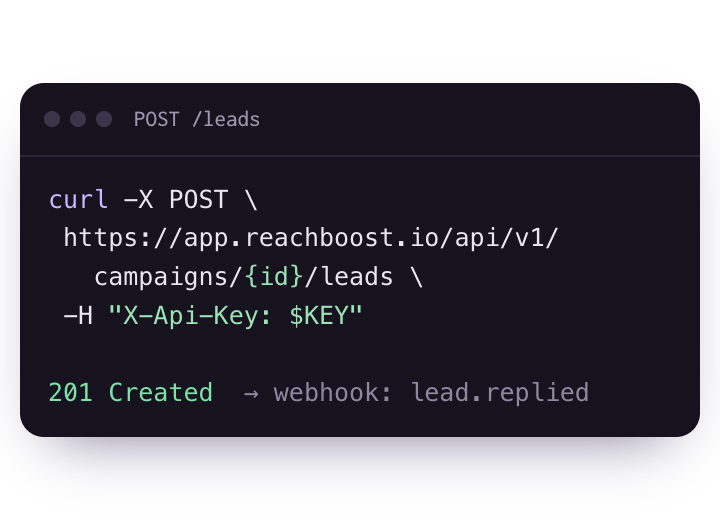
API & Webhooks
Push leads in, stream events out
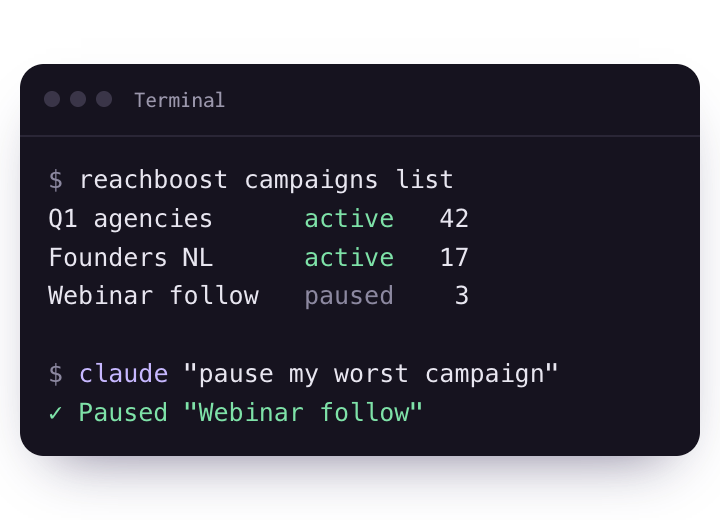
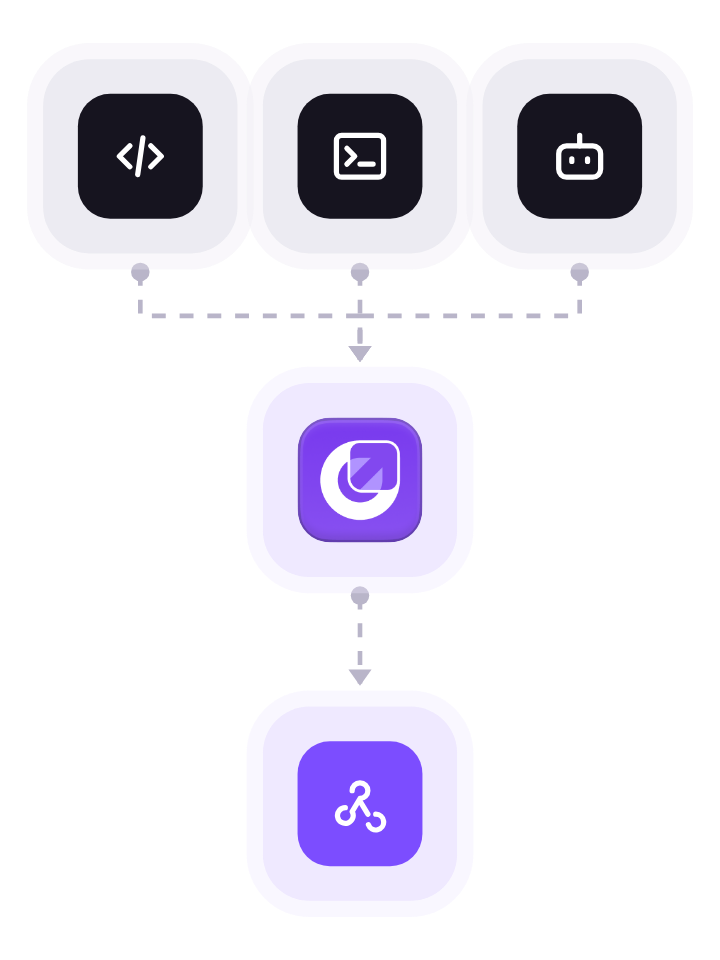
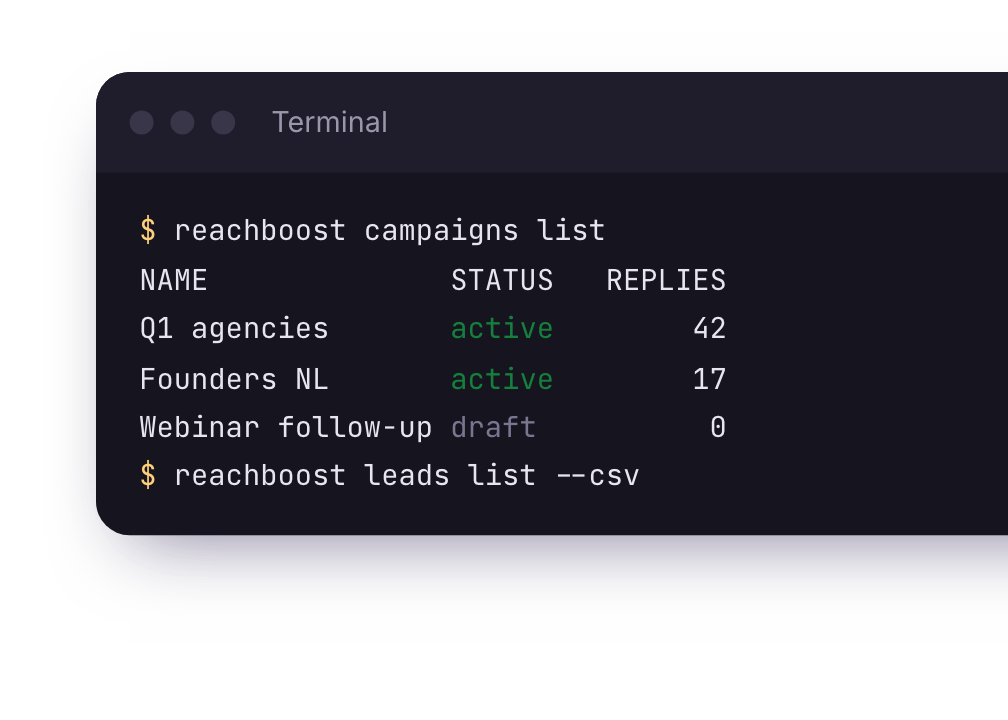
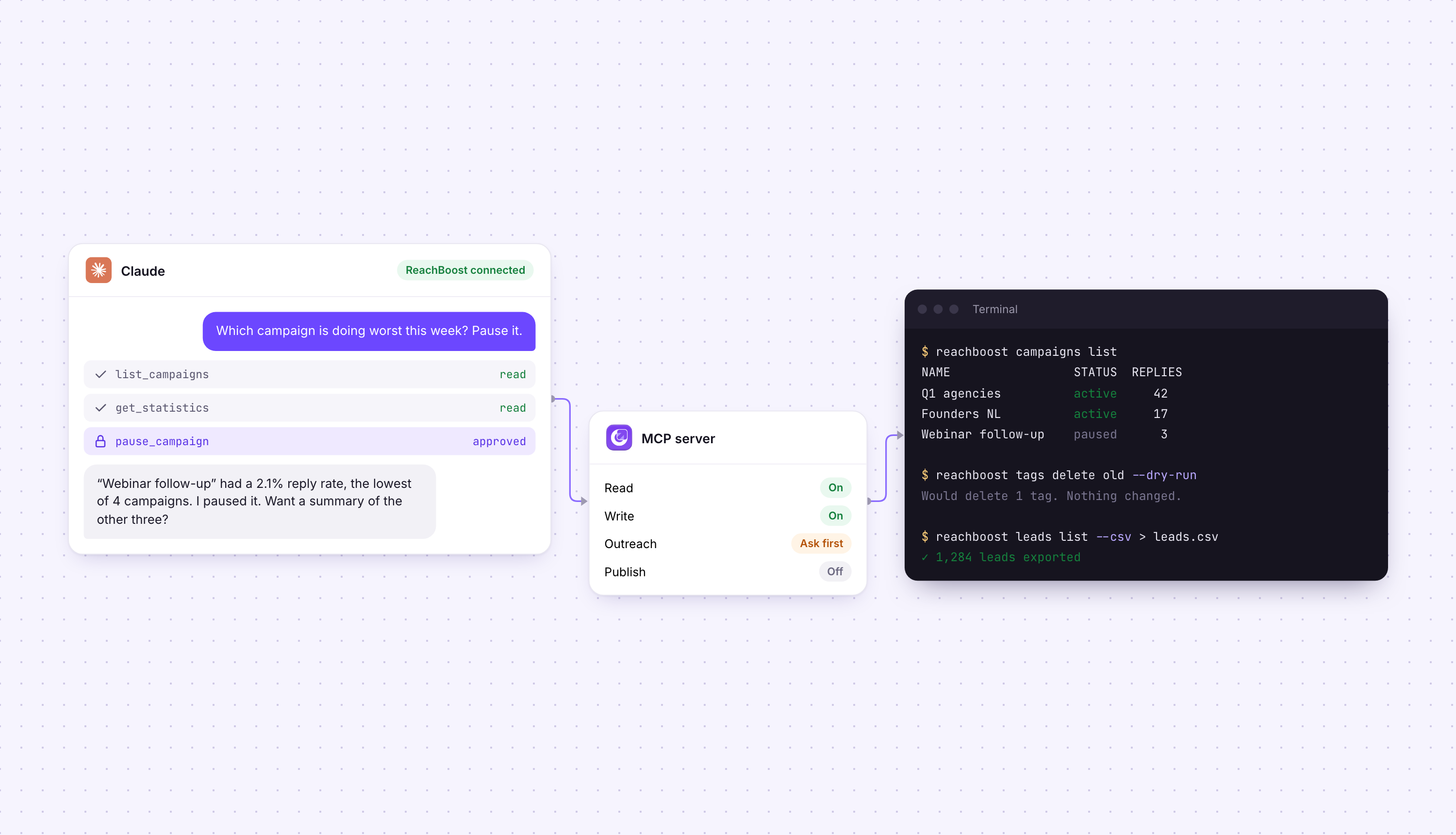
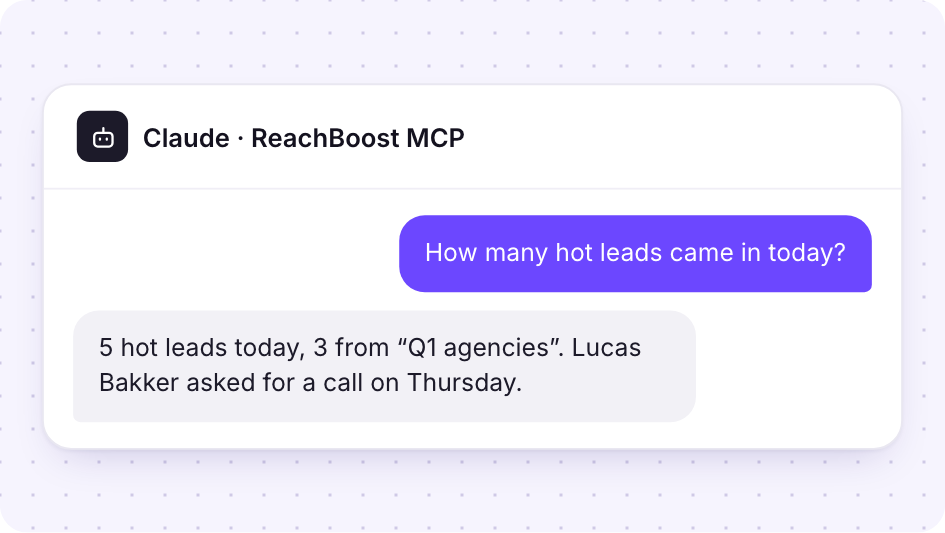
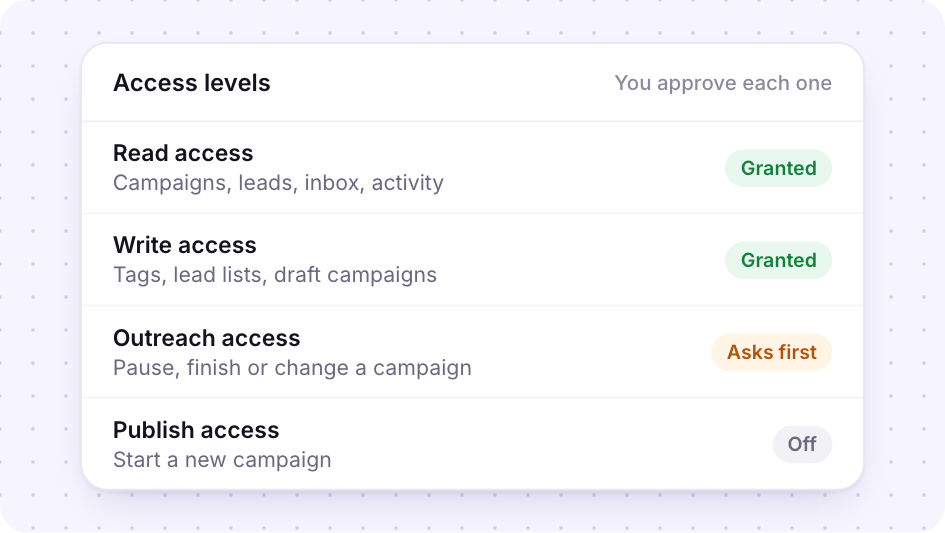
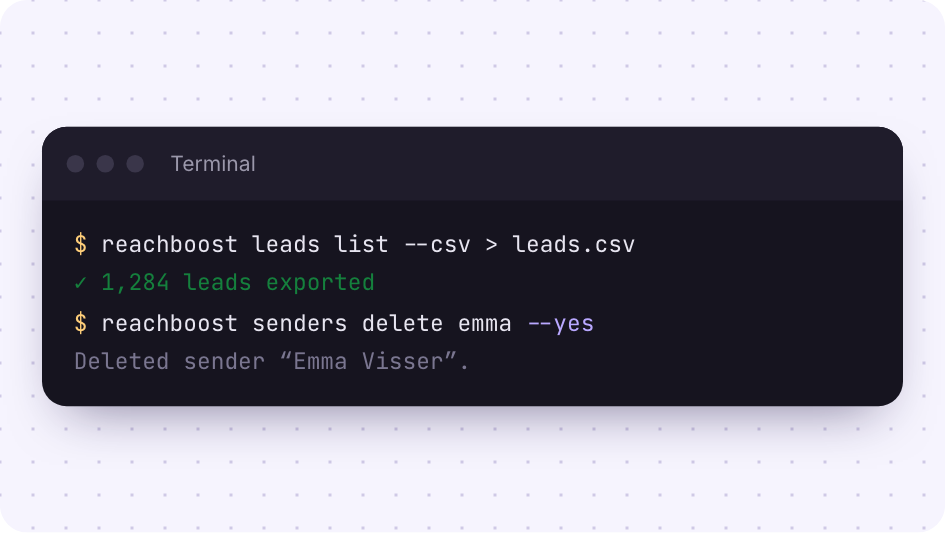
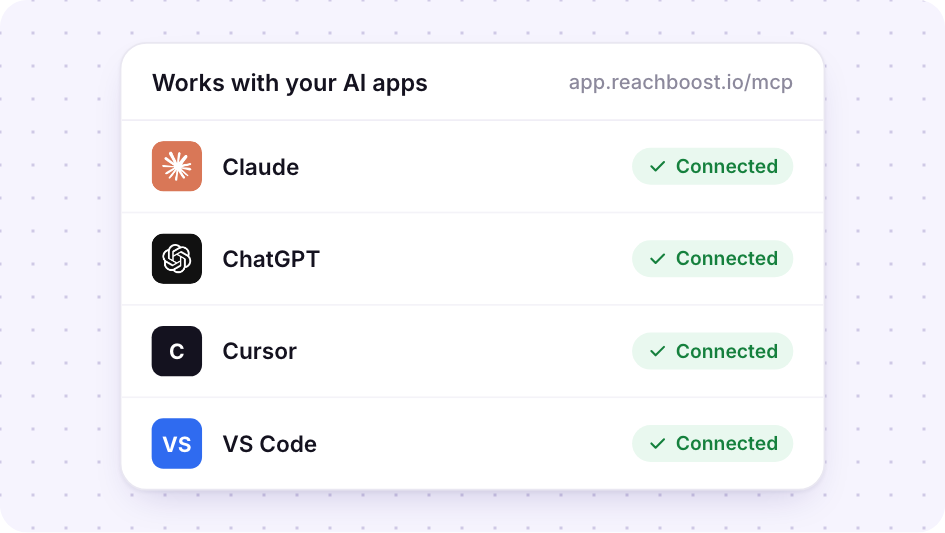
MCP & CLI
Run campaigns from Claude or your terminal
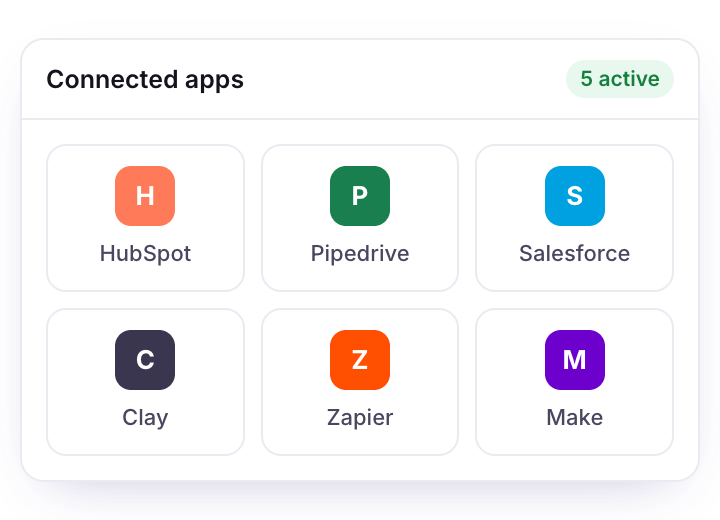
Integrations
Sync with the tools you already use
Use cases
Resources
Blog
Guides from teams that run outbound daily
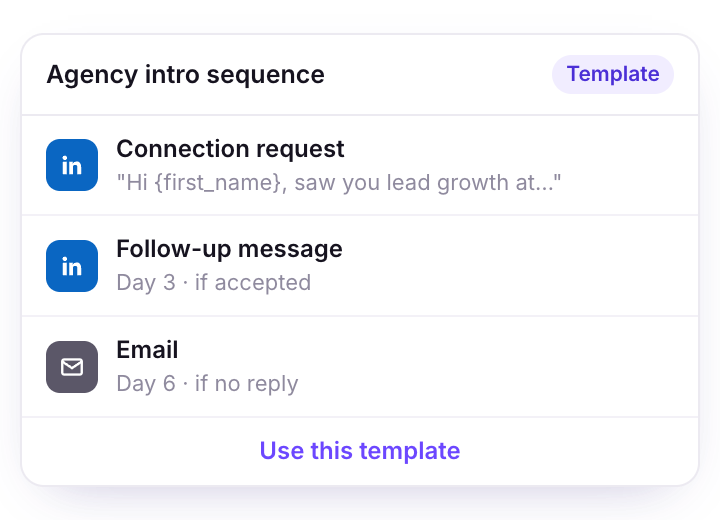
Outreach templates
Proven sequences, ready to use
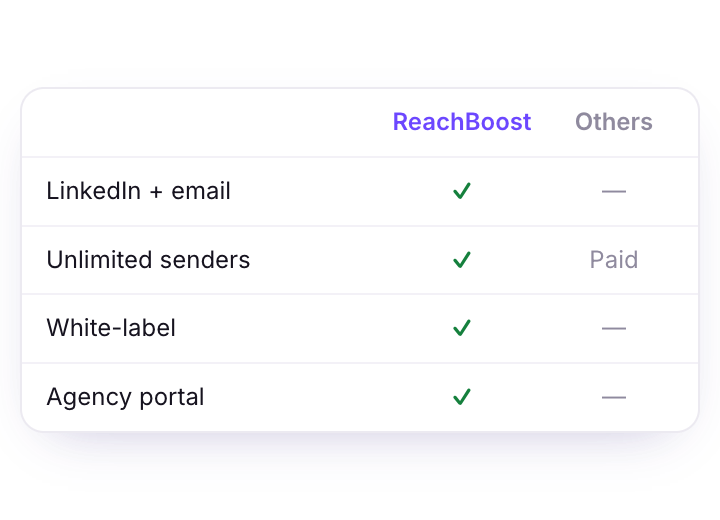
Comparisons
See how ReachBoost stacks up
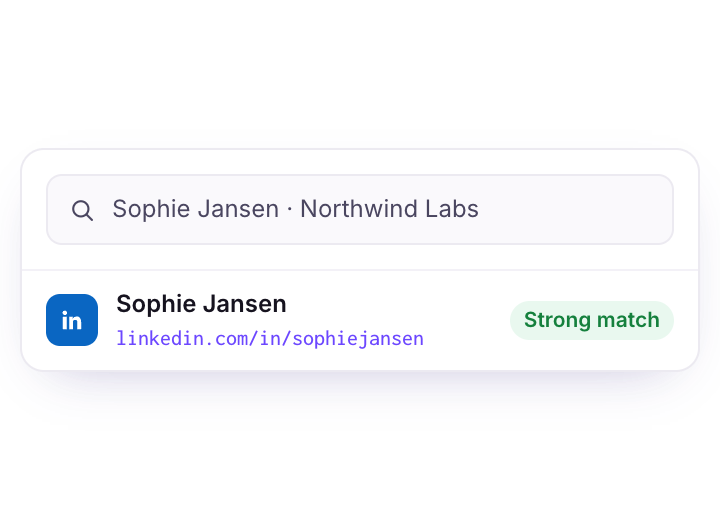
LinkedIn profile finder
Name and company in, profile URL out
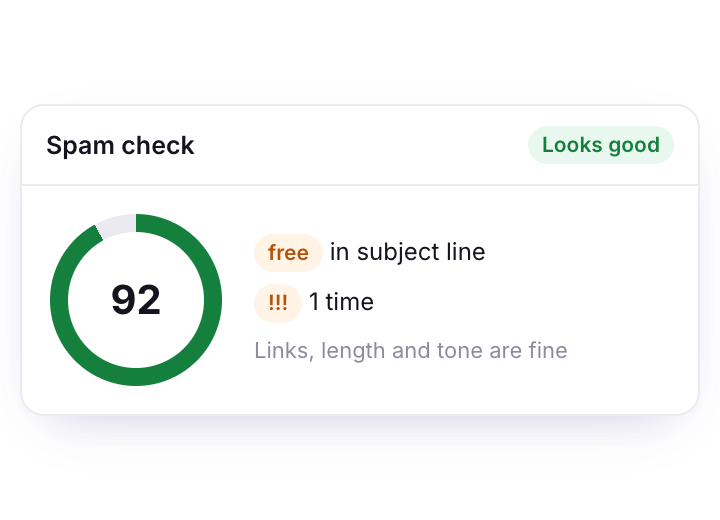
Email spam checker
Catch spam triggers before you send
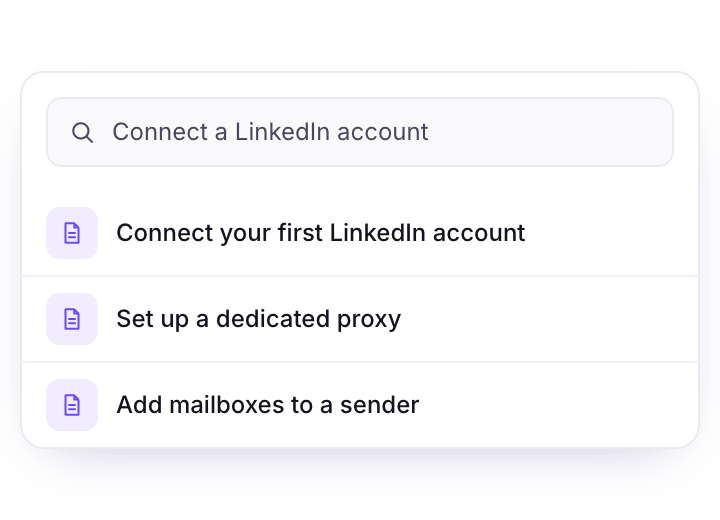
Help center
Answers for every feature
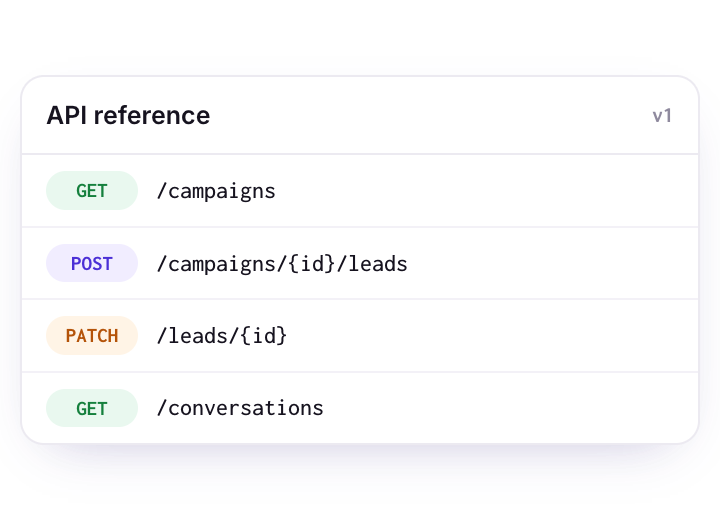
API docs
Full reference for developers
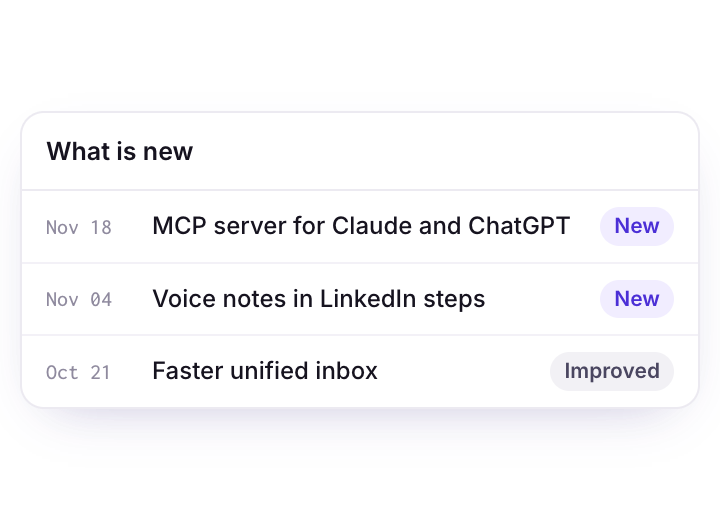
Changelog
Everything we shipped lately
Company
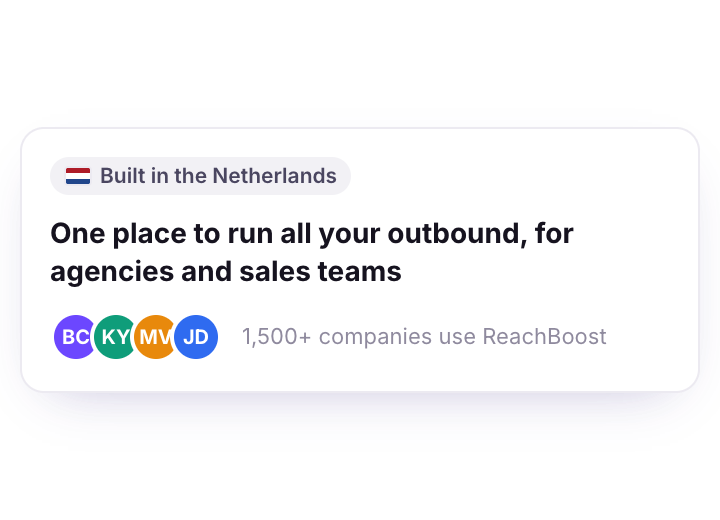
About
The team behind ReachBoost
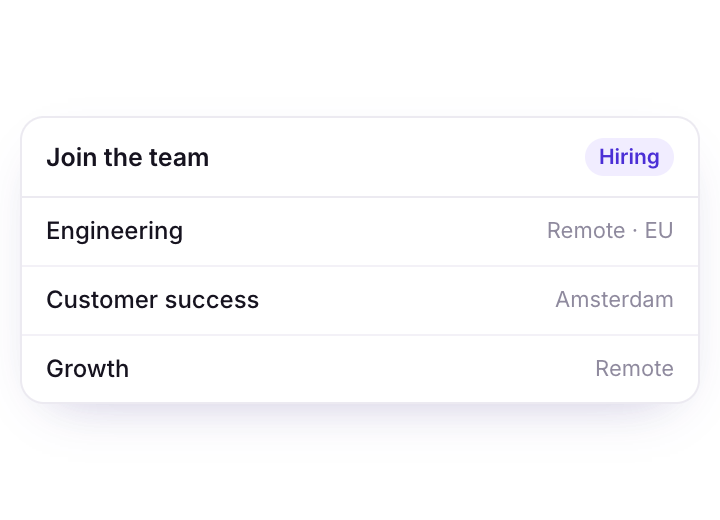
Careers
Help us build outbound software
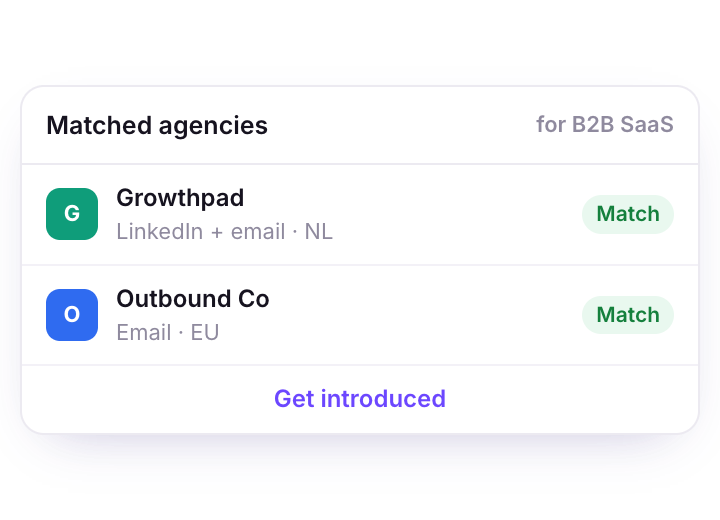
Find an agency
We match you with a partner agency
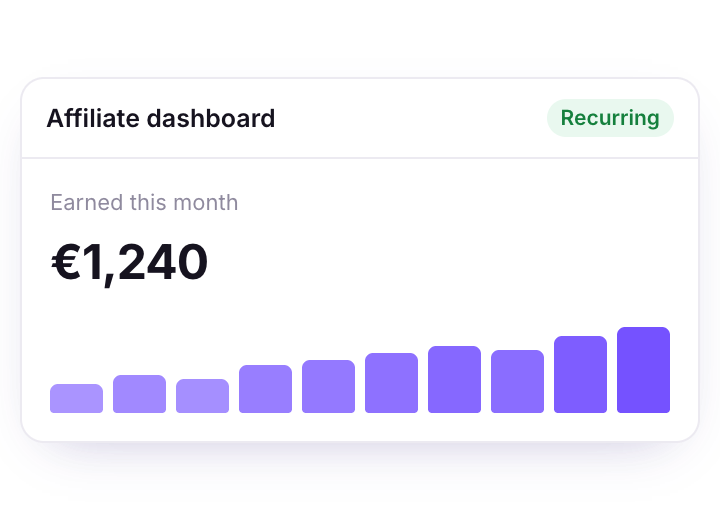
Affiliate program
Earn recurring commission
Creator program
Get paid to create outbound content
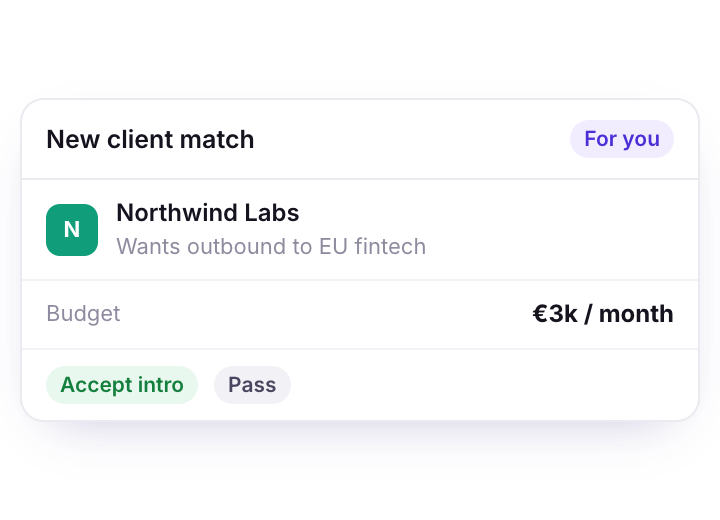
Become a partner
We send you clients who need outbound