

Free tool
LinkedIn profile finder
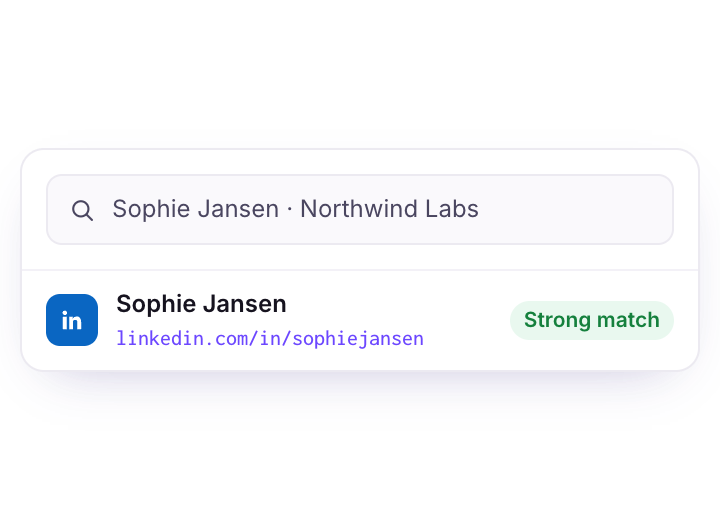
Enter a first name, last name and company and get the LinkedIn profile URL in seconds. Free, no login and no extension needed.

Trusted by 1,500+ companies
Enter a first name, last name and company and get the LinkedIn profile URL in seconds. Free, no login and no extension needed.
Trusted by 1,500+ companies
No extension, no login and no copy-pasting between Google tabs.
First name and last name are enough, but adding the company makes the match far more accurate.
Every result shows the name, job title and a strong, possible or weak match label, with the most likely profile on top.
Copy the profile URL in one click and add it to your CRM, a spreadsheet or a ReachBoost lead list.
The finder automates the first method below. If it comes up empty, these are the next things to try.
Type site:linkedin.com/in "First Last" "Company" into Google. The quotes force exact matches and the site part only shows LinkedIn profiles.
Search the name on LinkedIn, pick People and filter on Current company. This works best when you are logged in and connected to their network.
Open the company on LinkedIn and go to the People tab. Search there for the first name or job title to find the right person.
Team pages, author bios and email signatures often link straight to a LinkedIn profile, including the exact URL.