
Black Friday
40% off all yearly plansstarts inis live now
00d
00h
00m
00s
Connection Requests

The no-note connection request

Send a connection request without a note and say hello once it's accepted. The simplest sequence we run ourselves, with real results from our own campaigns.

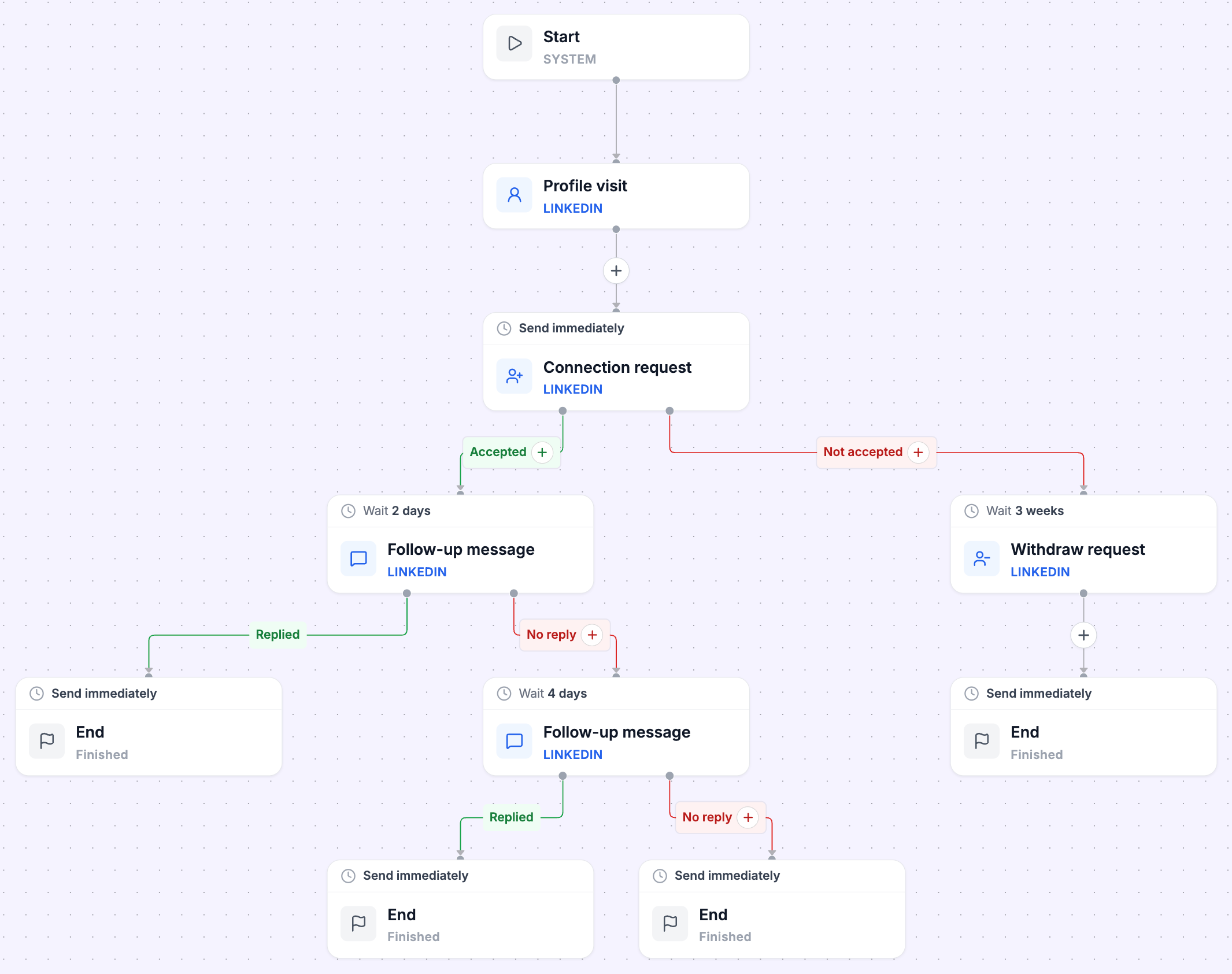
The no-note connection request flow in ReachBoost
152
+
Companies powered
1430
+
Times used
The no-note connection request flow in ReachBoost

Why this template works

A request without a note looks like a normal networking request, not a sales message, so people accept it without thinking twice. We use this sequence ourselves: in our own campaigns about 1 in 3 requests was accepted and more than a quarter of the hello messages got a reply.

Who it's for

Anyone building a network in their own industry, such as agency founders, recruiters and consultants.

The sequence

  1. Visit profile
  2. Connection request
    Sent without a note.
  3. Follow-up message (once accepted), after 2 days
    “Hey [[first_name]], good to see we work in the same space. Glad to be connected!”
  4. Follow-up message (if no reply), after 4 days
    “Out of curiosity, [[first_name]]: what's working best for you right now to find new clients?”
  5. Withdraw request (if not accepted), after 3 weeks

Tips

  • Target people in your own industry. A shared field is reason enough to connect.
  • Keep the first message friendly and short. No pitch yet.
  • Ask your question in the second message, once the connection is warm.

The sequence stops automatically as soon as a lead replies, so nobody gets a follow-up after answering.

How this template performs
33
%
Average acceptance rate
27
%
Reply rate (3-touch sequence)
152
+
Times used on ReachBoost
5
/5
User rating

Ready to send this at scale?

Set it up in ReachBoost — connect your LinkedIn, pick your template, and launch in under 5 minutes.

Menu sluiten
Pricing
Product
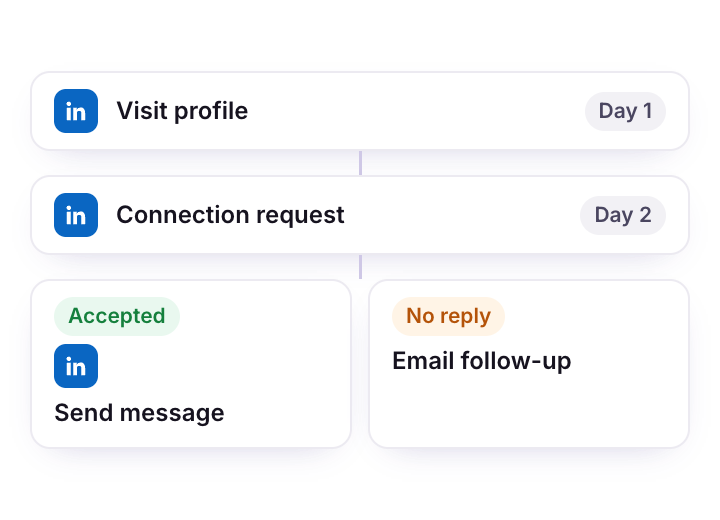
Multichannel sequences preview
Multichannel sequences
Build one flow for LinkedIn and email
Explore →
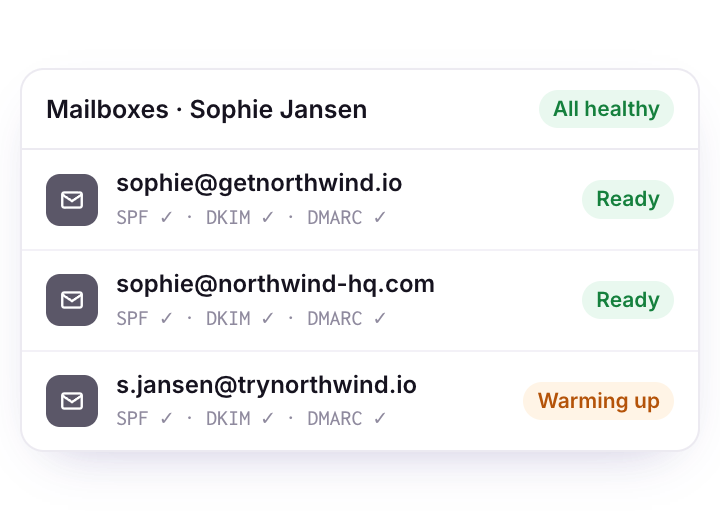
Email infrastructure preview
Email infrastructure
Mailboxes per sender, checked every night
Explore →
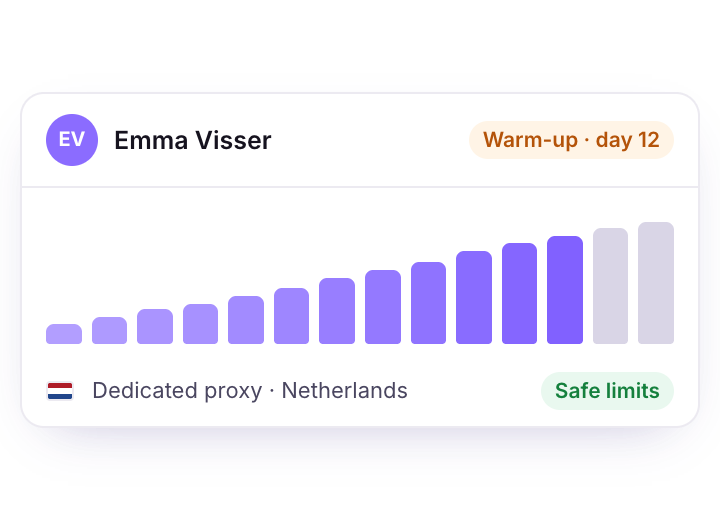
LinkedIn safety preview
LinkedIn safety
Warm-up, proxies and limits on autopilot
Explore →
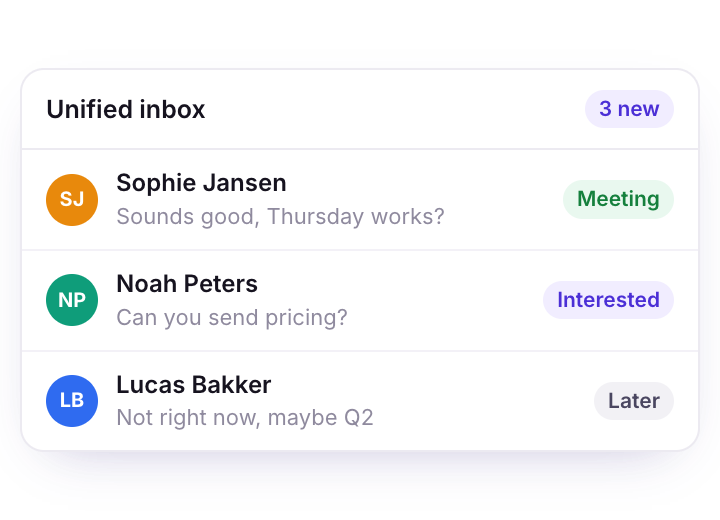
Unified inbox preview
Unified inbox
Every reply from every sender, sorted
Explore →
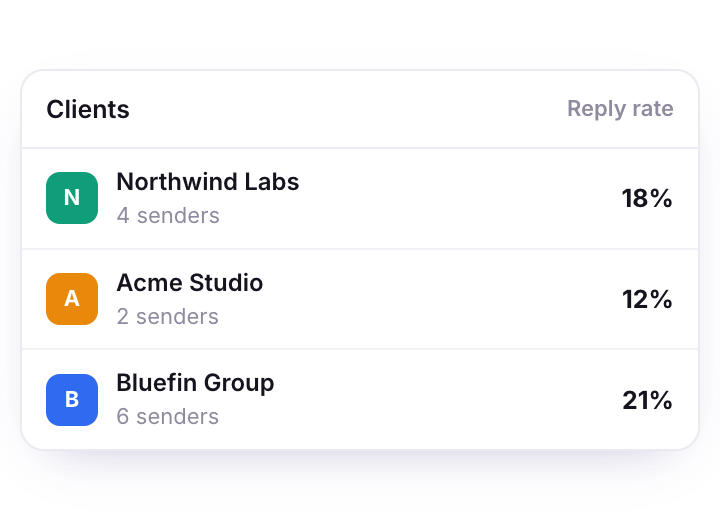
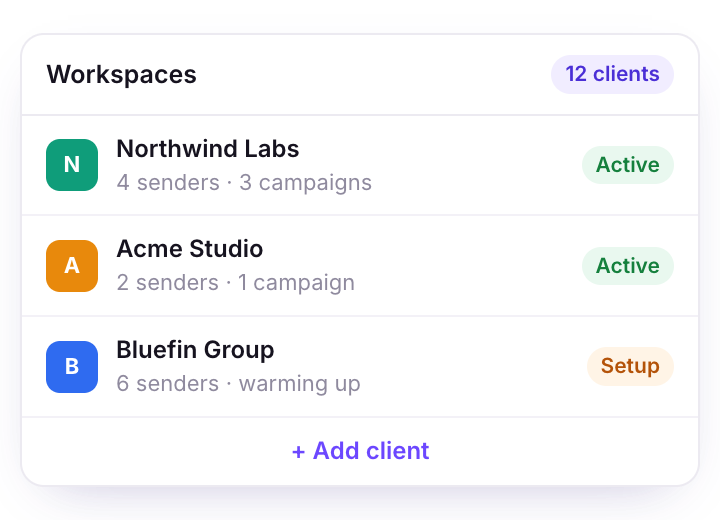
Agency portal preview
Agency portal
Switch between clients in one click
Explore →
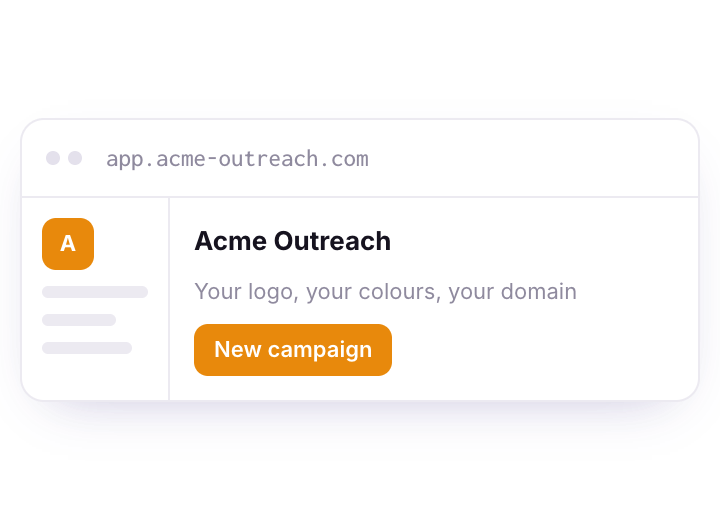
White-label preview
White-label
Give clients the app under your own brand
Explore →
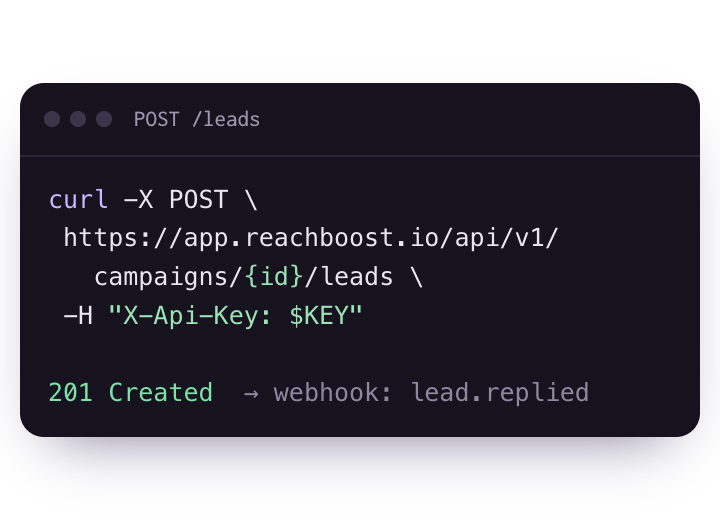
API & Webhooks preview
API & Webhooks
Push leads in, stream events out
Explore →
MCP & CLI preview
MCP & CLI
Run campaigns from Claude or your terminal
Explore →
Integrations preview
Integrations
Sync with the tools you already use
Explore →
Use cases
Resources
Blog preview
Blog
Guides from teams that run outbound daily
Explore →
Outreach templates preview
Outreach templates
Proven sequences, ready to use
Explore →
Comparisons preview
Comparisons
See how ReachBoost stacks up
Explore →
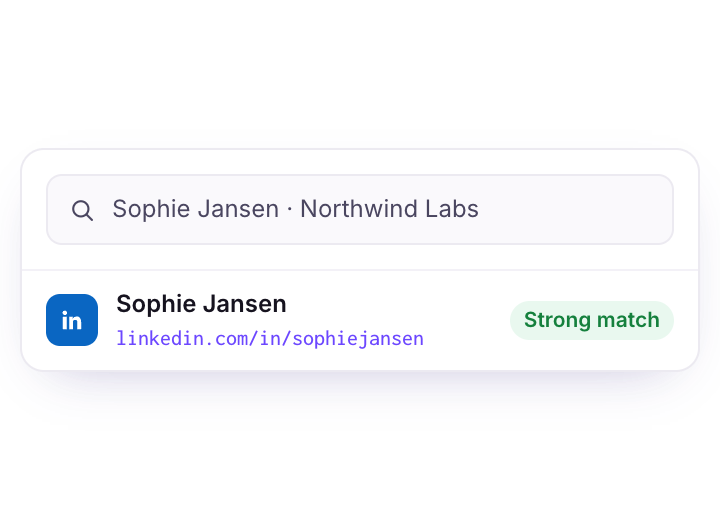
LinkedIn profile finder preview
LinkedIn profile finder
Name and company in, profile URL out
Explore →
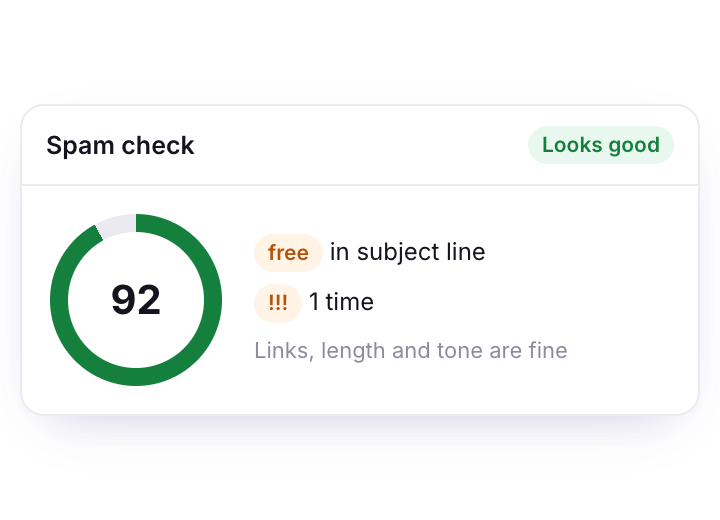
Email spam checker preview
Email spam checker
Catch spam triggers before you send
Explore →
Help center preview
Help center
Answers for every feature
Explore →
API docs preview
API docs
Full reference for developers
Explore →
Changelog preview
Changelog
Everything we shipped lately
Explore →
Company
About preview
About
The team behind ReachBoost
Explore →
Careers preview
Careers
Help us build outbound software
Explore →
Find an agency preview
Find an agency
We match you with a partner agency
Explore →
Affiliate program preview
Affiliate program
Earn recurring commission
Explore →
Creator program preview
Creator program
Get paid to create outbound content
Explore →
Agency partners preview
Become a partner
We send you clients who need outbound
Explore →