Black Friday
40% off all yearly plansstarts inis live now
00d
00h
00m
00s
Follow-ups

The 3-touch follow-up

Three short follow-ups after a connection is accepted, each adding something new instead of just 'bumping' the thread.

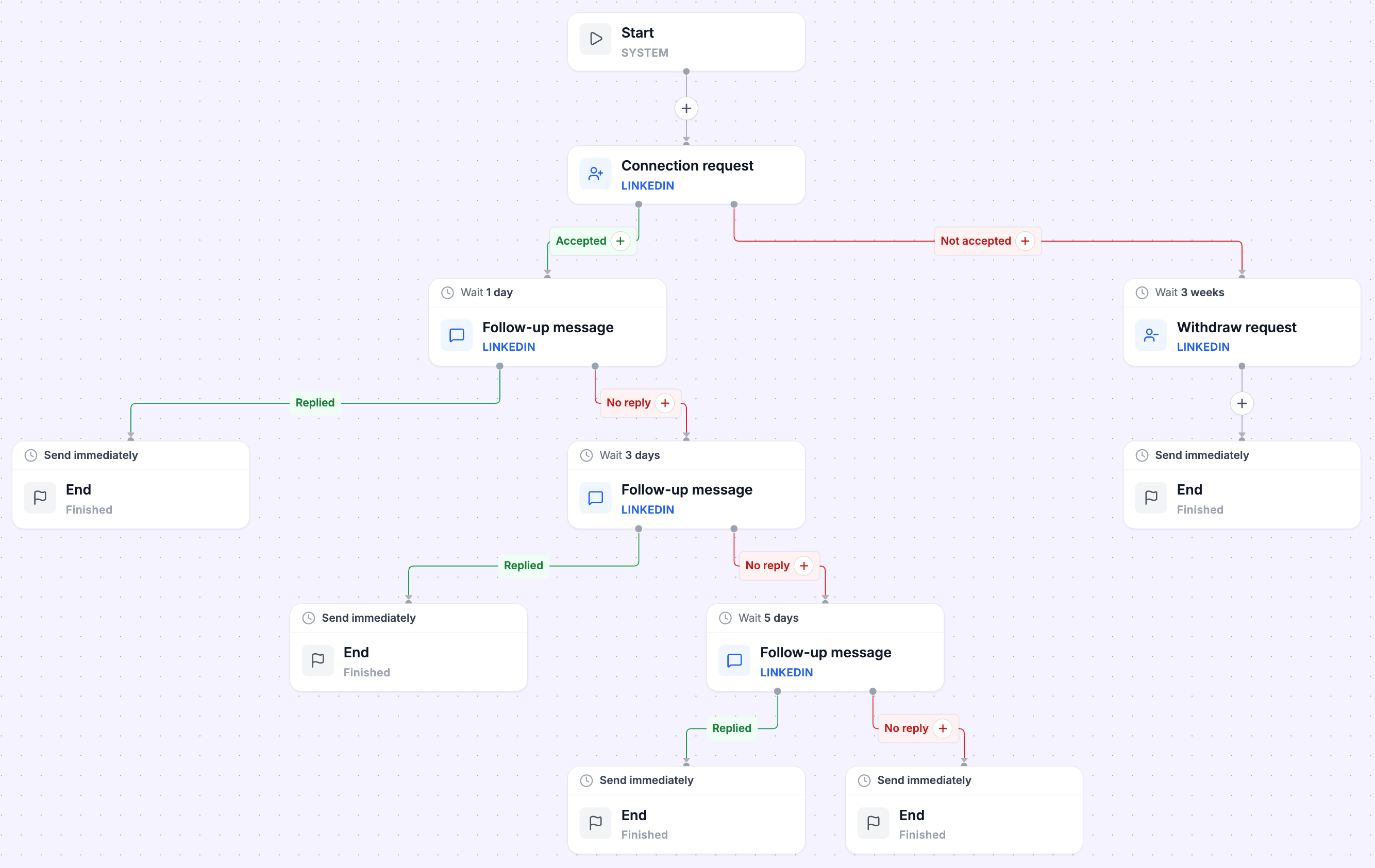
The 3-touch follow-up flow in ReachBoost
132
+
Companies powered
1180
+
Times used
The 3-touch follow-up flow in ReachBoost

Why this template works

Most replies don't come from the first message. This template gives you three follow-ups with increasing gaps, each with a different angle, and stops automatically as soon as someone replies.

Who it's for

Anyone who already sends connection requests but loses leads after the first message.

The sequence

  1. Connection request
    Sent without a note.
  2. Follow-up message (once accepted), after 1 day
    “Thanks for connecting, [[first_name]]. I help teams like [[company_name]] turn LinkedIn into a steady source of meetings. Is that something you're working on at the moment?”
  3. Follow-up message (if no reply), after 3 days
    “One thing we see often: teams send one message and stop. Most replies come from the second or third touch. Happy to show you how others in your space structure it.”
  4. Follow-up message (if no reply), after 5 days
    “Last note from me, [[first_name]]. If now isn't the right time, no problem at all. Should I check back in a couple of months?”
  5. Withdraw request (if not accepted), after 3 weeks

Tips

  • Give the last message an easy out. 'Should I check back later?' gets surprisingly many replies.
  • Keep each follow-up under 3 sentences.
  • Leave at least a day between the connection being accepted and the first message.

The sequence stops automatically as soon as a lead replies, so nobody gets a follow-up after answering.

How this template performs
38
%
Average acceptance rate
21
%
Reply rate (3-touch sequence)
132
+
Times used on ReachBoost
5
/5
User rating

Ready to send this at scale?

Set it up in ReachBoost — connect your LinkedIn, pick your template, and launch in under 5 minutes.

Menu sluiten
Pricing
Product
Multichannel sequences preview
Multichannel sequences
Build one flow for LinkedIn and email
Explore →
Email infrastructure preview
Email infrastructure
Mailboxes per sender, checked every night
Explore →
LinkedIn safety preview
LinkedIn safety
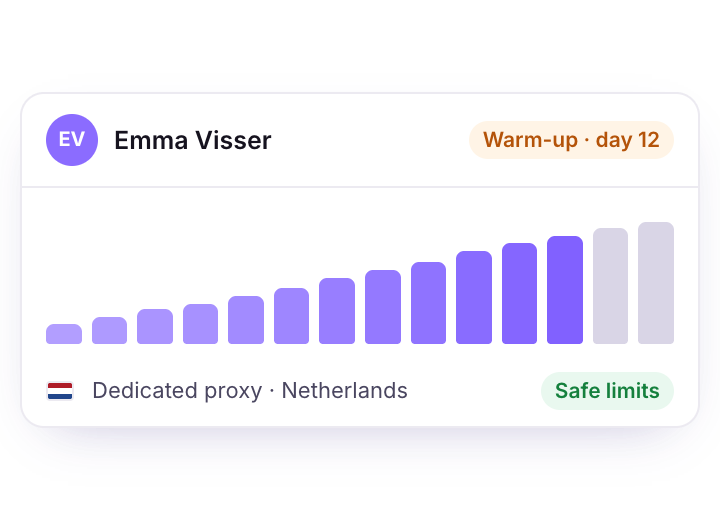
Warm-up, proxies and limits on autopilot
Explore →
Unified inbox preview
Unified inbox
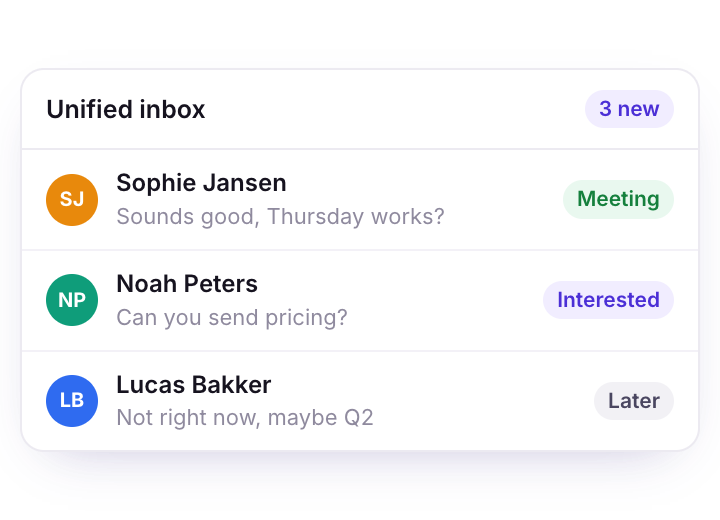
Every reply from every sender, sorted
Explore →
Agency portal preview
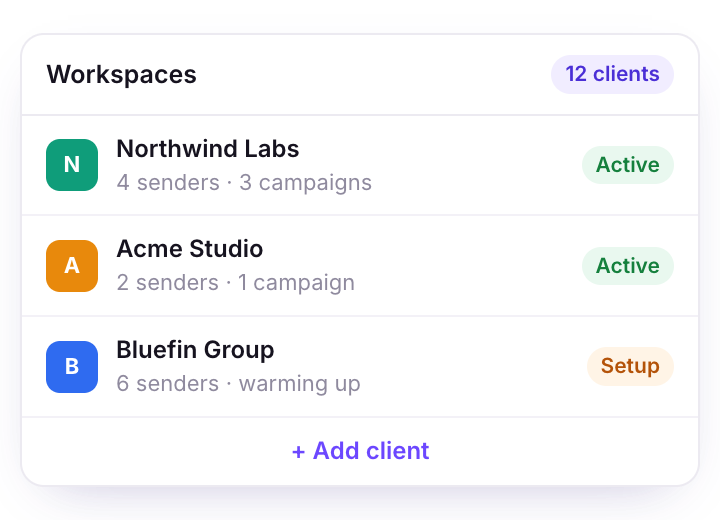
Agency portal
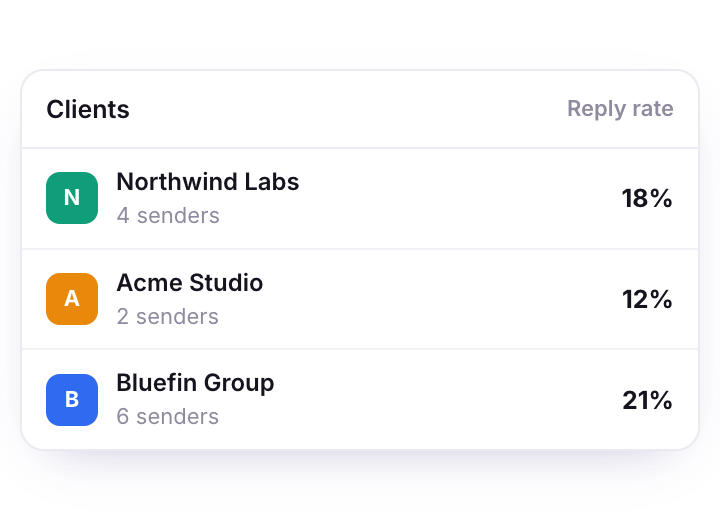
Switch between clients in one click
Explore →
White-label preview
White-label
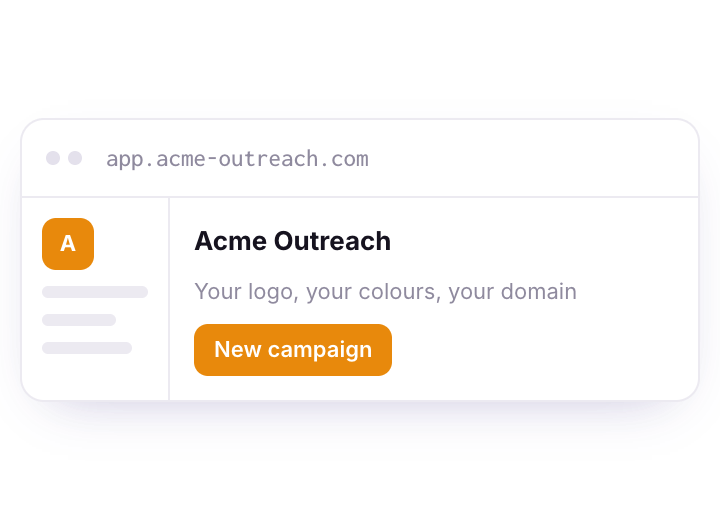
Give clients the app under your own brand
Explore →
API & Webhooks preview
API & Webhooks
Push leads in, stream events out
Explore →
MCP & CLI preview
MCP & CLI
Run campaigns from Claude or your terminal
Explore →
Integrations preview
Integrations
Sync with the tools you already use
Explore →
Use cases
Resources
Blog preview
Blog
Guides from teams that run outbound daily
Explore →
Outreach templates preview
Outreach templates
Proven sequences, ready to use
Explore →
Comparisons preview
Comparisons
See how ReachBoost stacks up
Explore →
LinkedIn profile finder preview
LinkedIn profile finder
Name and company in, profile URL out
Explore →
Email spam checker preview
Email spam checker
Catch spam triggers before you send
Explore →
Help center preview
Help center
Answers for every feature
Explore →
API docs preview
API docs
Full reference for developers
Explore →
Changelog preview
Changelog
Everything we shipped lately
Explore →
Company
About preview
About
The team behind ReachBoost
Explore →
Careers preview
Careers
Help us build outbound software
Explore →
Find an agency preview
Find an agency
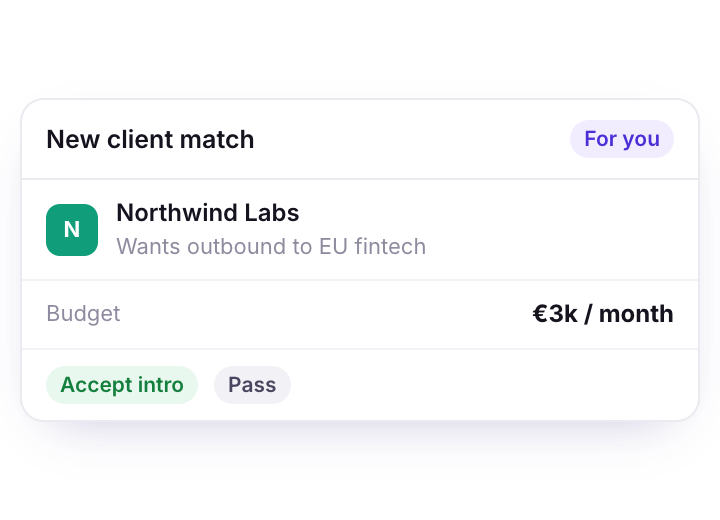
We match you with a partner agency
Explore →
Affiliate program preview
Affiliate program
Earn recurring commission
Explore →
Creator program preview
Creator program
Get paid to create outbound content
Explore →
Agency partners preview
Become a partner
We send you clients who need outbound
Explore →